In the fast-paced world of modern gaming, auto-save features have become the norm, ensuring players don't lose their hard-earned progress. Yet, in the intense environment of Freedom Wars Remastered, where you're constantly battling towering Abductors and dodging penalties for exceeding 10 seconds of running in the Panopticon, manually saving your game is a necessity.
Given the game's relentless pace, it's wise to secure your progress whenever you can. Whether you're gearing up for a tough mission or just need a quick break, knowing how to save is key. Let's delve into the specifics of saving in Freedom Wars Remastered.
How to Save in Freedom Wars Remastered
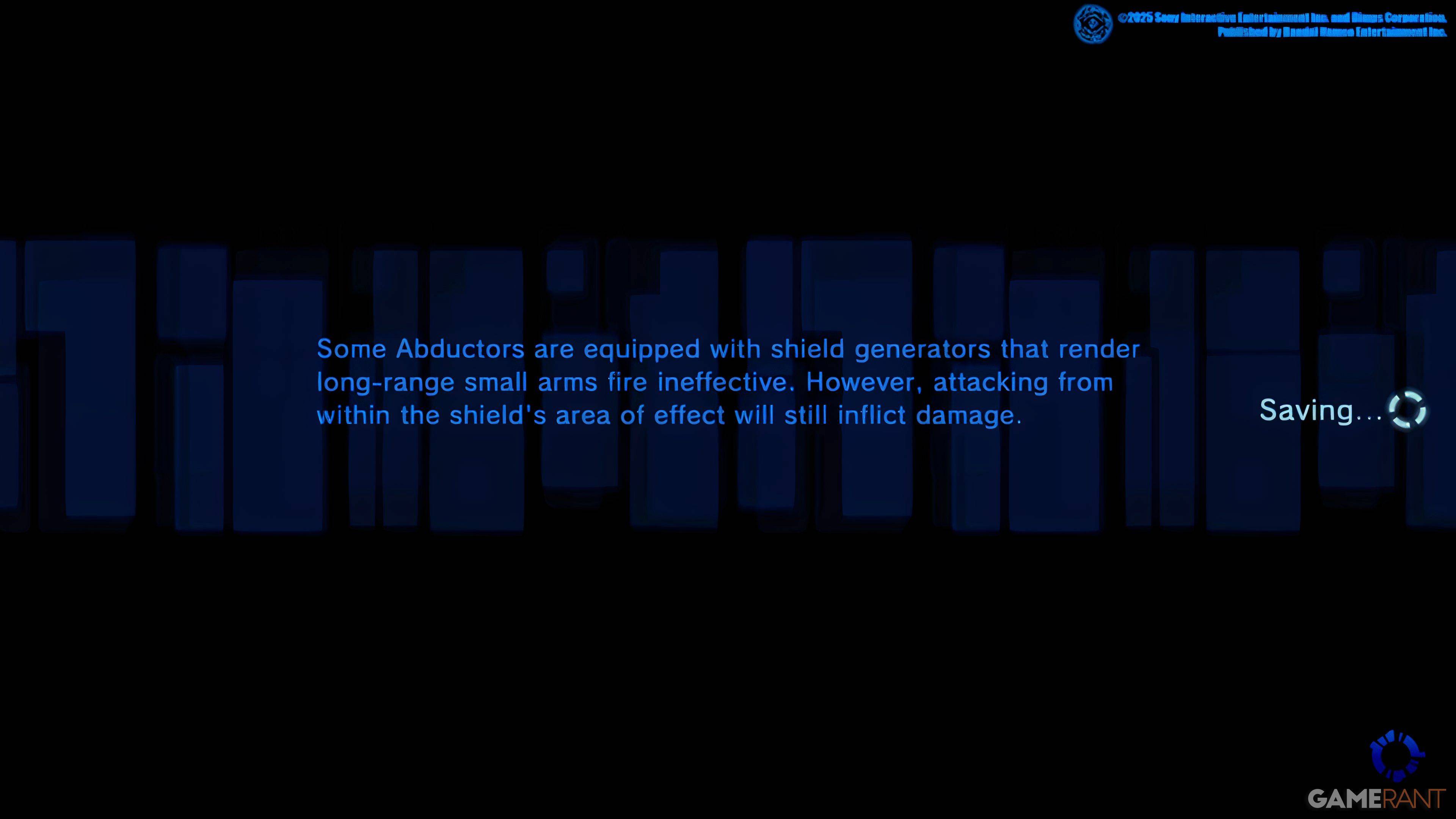
At the outset of the game, you'll navigate through a tutorial that outlines the basic mechanics. While this tutorial is helpful, it can be overwhelming due to the sheer volume of information. You might occasionally spot a small saving icon on the right side of your screen. The game does feature an Autosave system that kicks in after missions, significant dialogues, or cutscenes. However, relying solely on Autosave can be risky, which is why the Manual Save feature is invaluable.
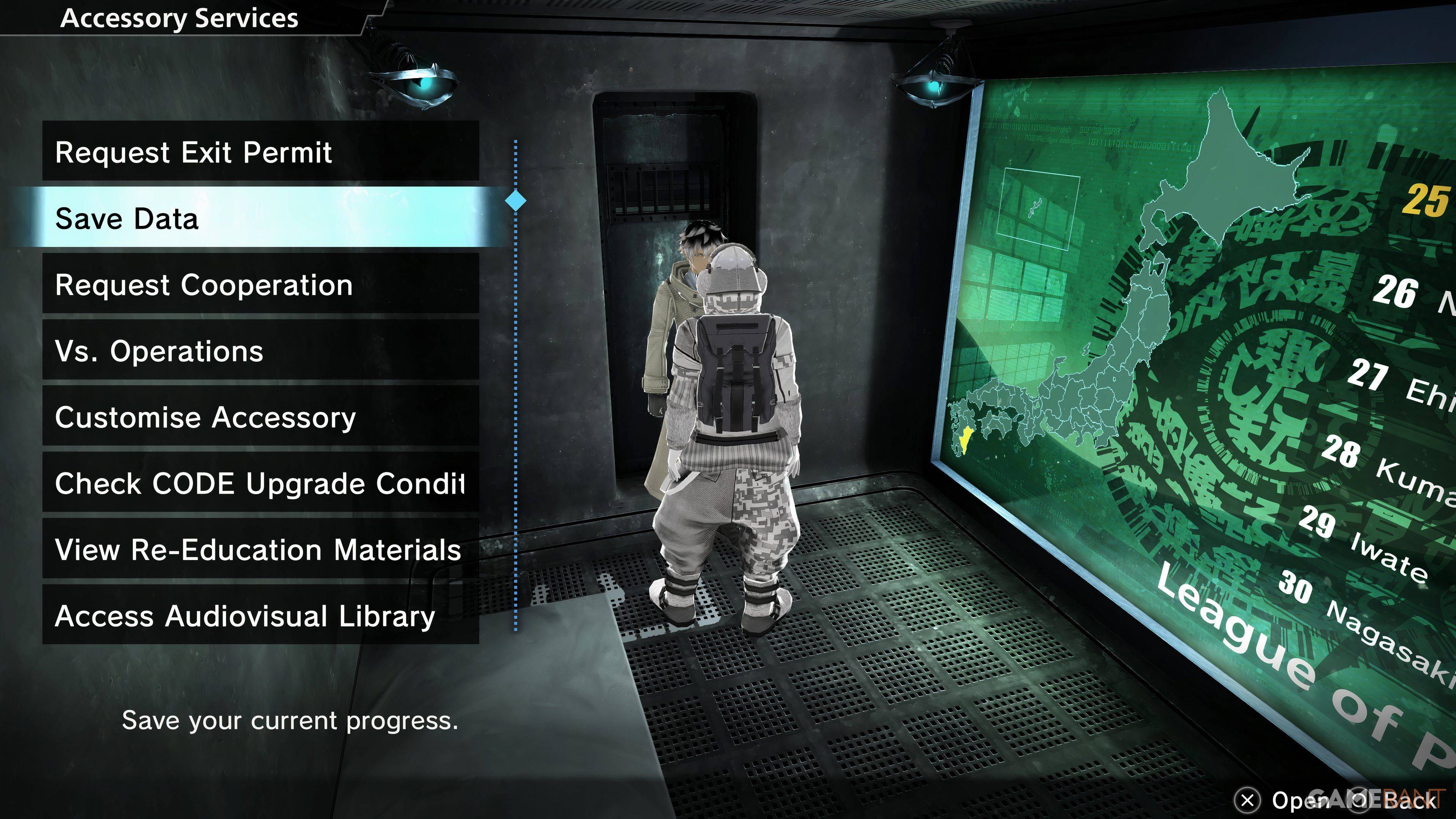
Freedom Wars Remastered includes a Manual Save option, though it comes with a caveat: you're limited to just one save file. This means you can't go back to earlier story points using different save files. To manually save, you'll need to interact with your Accessory in your Panopticon Cell and choose the "Save Data" option, which is the second one listed. Once you get the go-ahead from your Accessory, your progress will be safely stored.
This single save file limitation means that important in-game decisions are set in stone, affecting the game's outcome without the possibility of later alterations. For PlayStation users with a PlayStation Plus subscription, there's a convenient workaround: you can upload your save data to the Cloud and download it as needed. This feature is particularly useful for those looking to revisit pivotal moments or ensure their progress is well-protected.
Given that some players have reported game crashes, it's highly recommended to save frequently to prevent any loss of progress.