Quick Links
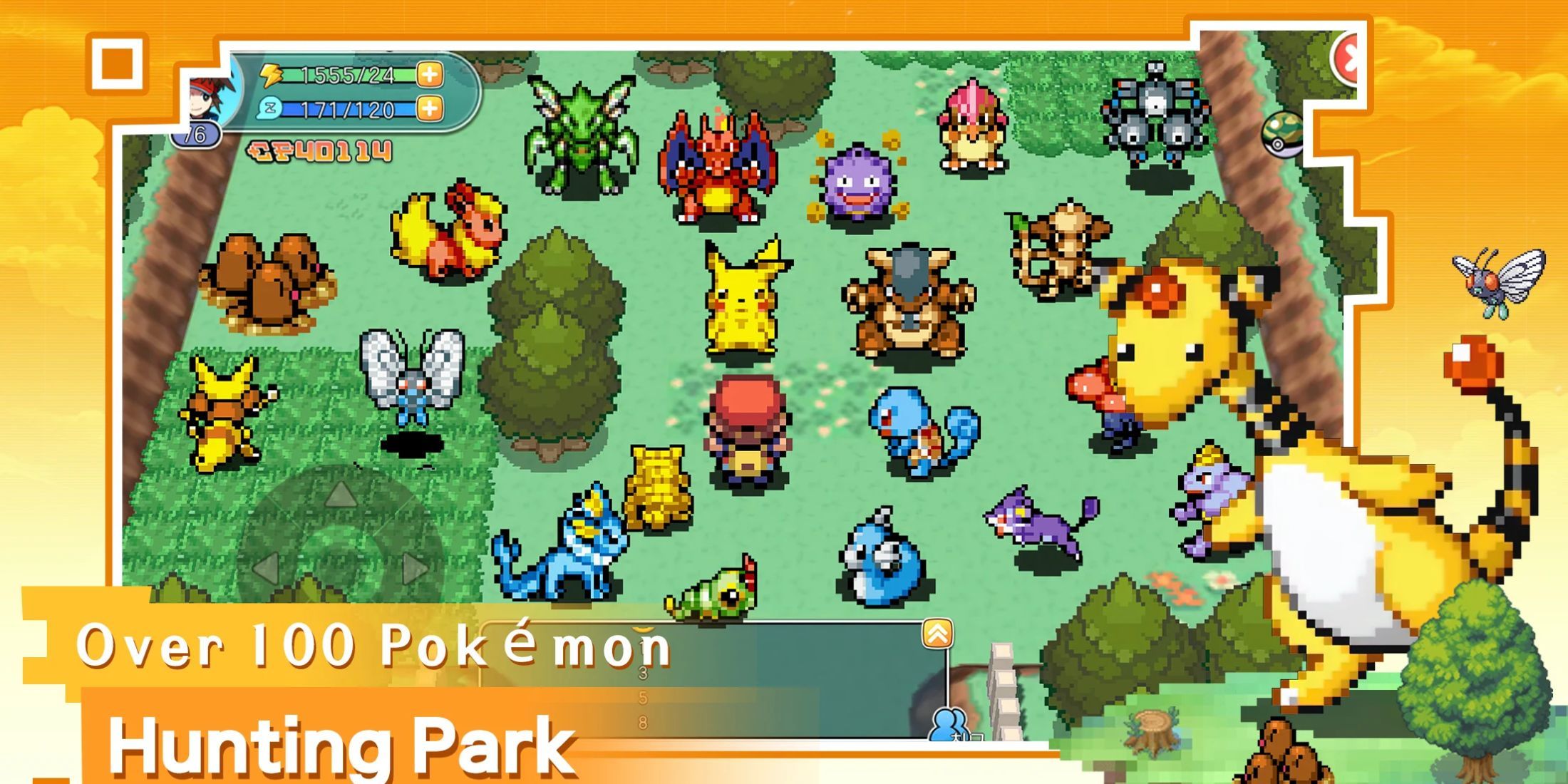
Dive into the world of Pocket Pixel, a captivating pixelated game inspired by Pokemon, where you embark on a thrilling journey to become the ultimate trainer. Although not an official Pokemon game, Pocket Pixel offers its own unique storyline filled with challenges, unexpected twists, and adventures that demand a robust team to overcome.
To ease your journey, Pocket Pixel codes are a fantastic resource. These codes unlock a variety of rewards that can significantly enhance your gameplay, so it's wise to redeem them as soon as you can.
Updated January 8, 2025, by Artur Novichenko: Codes are a great way to boost your resources and enjoy additional perks. Keep an eye on this guide for the latest updates.
All Pocket Pixel Codes
Working Pocket Pixel Codes
- HAPPY2025 - Redeem this code to get rewards. (NEW)
- m8pgjm1e - Redeem this code to get rewards. (NEW)
- THANKGIVING - Redeem this code to get rewards.
- pocketpixel - Redeem this code to get 300 Gems and 10 Gashapon Tokens.
- pocketpixelfb - Redeem this code to get Greninja.
- VIP666 - Redeem this code to get Gashapon Token, and Rare Candy.
- VIP888 - Redeem this code to get two FP Tokens, and 10,000 Gold.
Expired Pocket Pixel Codes
- z3rap9up - Redeem this code to get rewards.
- fzpodpgy - Redeem this code to get rewards.
- eod2y4nn - Redeem this code to get rewards.
- TRICKORTREAT - Redeem this code to get rewards.
- rkuh9v0k - Redeem this code to get rewards.
Pocket Pixel codes are a treasure trove of freebies, including rare resources, so don't miss out on them, regardless of your experience level.
How to Redeem Codes for Pocket Pixel
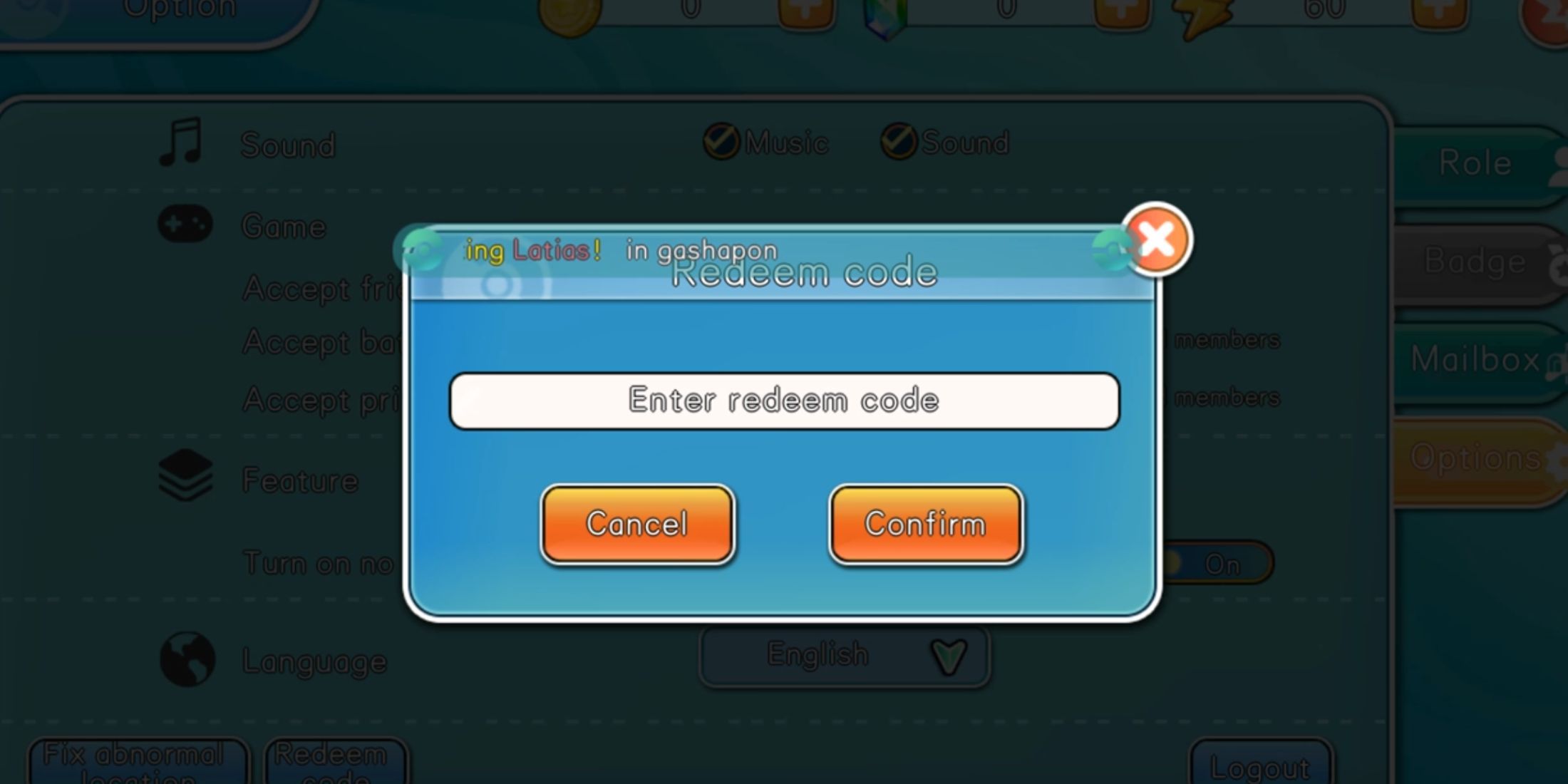
Redeeming Pocket Pixel codes is a quick process that you can complete right after launching the game, even before diving into the tutorial. If you're unsure about the redemption process, follow this detailed guide:
- Launch Pocket Pixel.
- Look at the upper-left corner of the screen where your avatar is displayed. Click on it.
- This opens the Profile menu. Navigate to the Options tab by clicking the button on the right side.
- In the Options tab, scroll to the bottom of the menu where you'll find the Redeem Code button. Click it.
- The redemption menu will appear with an input field and two buttons: Cancel and Confirm. Enter or paste an active code into the field.
- Finally, click the orange Confirm button to submit your reward request.
Upon successful redemption, a notification will appear listing the rewards you've received.
How to Get More Pocket Pixel Codes

To keep your inventory stocked with more Pocket Pixel codes and enjoy additional freebies, stay vigilant by monitoring the game's official social media channels. Here are the links to help you stay updated:
- Official Pocket Pixel Discord server.
- Official Pocket Pixel Facebook page.
Remember, Pocket Pixel is exclusively available on mobile devices.