Xbox Game Pass Ultimate members now have an exciting new perk at their fingertips: the ability to stream select games directly to their consoles without the need for downloads. This groundbreaking feature was announced in an Xbox Wire news post, detailing that subscribers can now stream games from the Game Pass catalog, as well as certain games they already own, on their Xbox Series X, S, and Xbox One consoles via cloud streaming.
Previously, this cloud streaming capability was available on smart TVs, PCs, smartphones, and Meta Quest headsets, but its extension to consoles marks a significant milestone. This advancement allows users to bypass the often time-consuming download process and save valuable hard drive space, enhancing the overall gaming experience.
To take advantage of this feature, Xbox users should navigate to My games & apps > Full library > Owned Games. Games that support cloud streaming will be marked with a cloud badge. To streamline your search, you can use the filters by selecting Filter > Ready to play > Cloud gaming. Once you've found a game you wish to play, simply select it and choose Play with Cloud Gaming. Additionally, after purchasing select cloud-playable games, you can start streaming directly from the Store app. Conversely, for those who prefer to stream games installed on their Xbox to other devices, this can be done through supported web browsers using this link. Note that this feature is no longer supported on the Xbox mobile app, but remains accessible on phones via the aforementioned browser link. Xbox is also working to extend this feature to Samsung and Amazon Fire smart TVs, as well as Meta Quest headsets.
In another significant update, Xbox announced that starting this month, Xbox and Xbox 360 backward compatible games will also support remote play, further expanding the flexibility and convenience of gaming on the platform.
New Xbox Series X and S Models - First Look Images
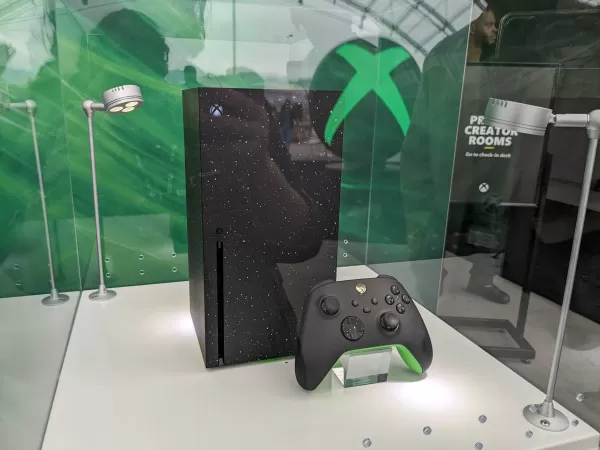
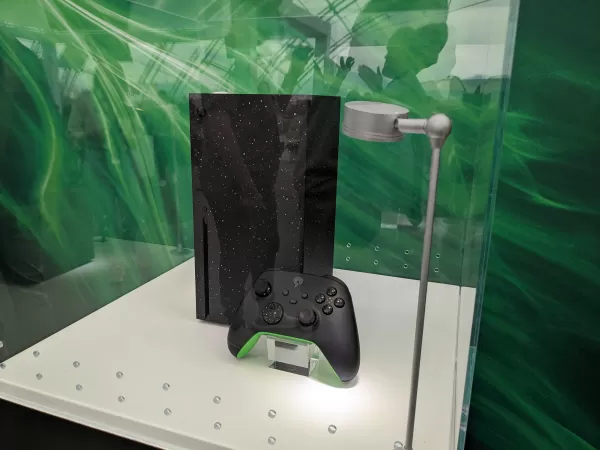 View 21 Images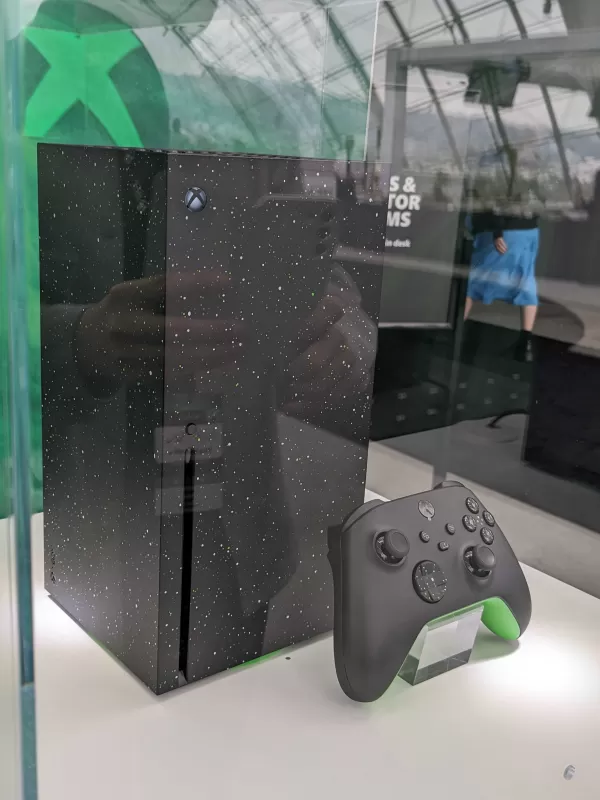
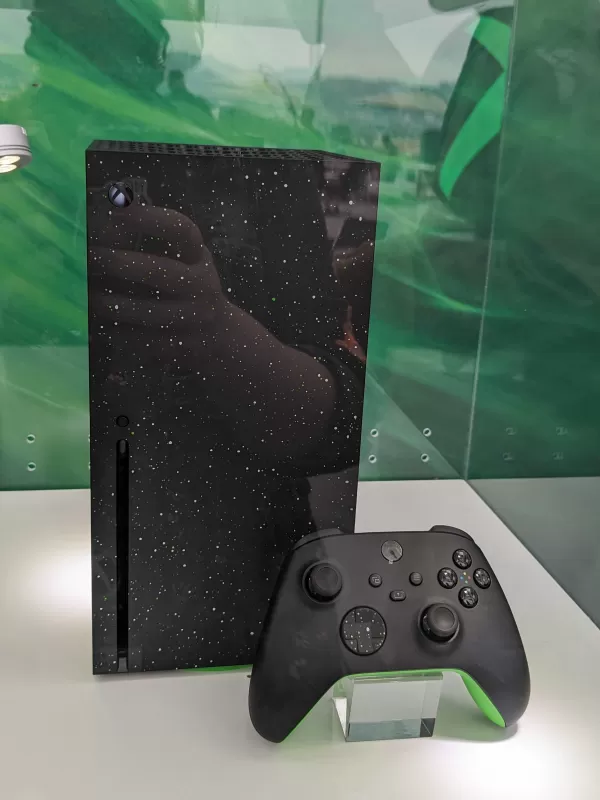
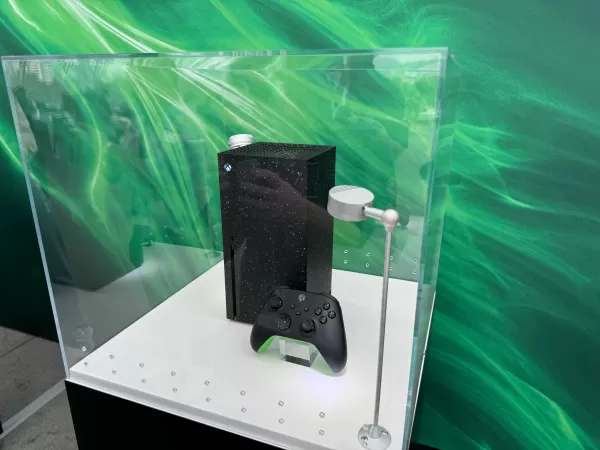
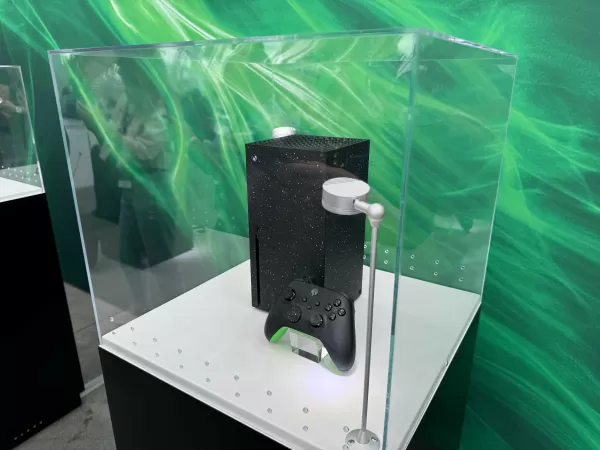
This initiative is part of Xbox's broader effort to manage and free up storage space on its consoles. The Xbox Wire post highlighted a new feature in the console's settings, accessible through My Games & Apps > Manage, which provides recommendations for optimizing hard drive usage. This move comes as a response to the increasing size of game installations, with titles like Call of Duty and Baldur's Gate 3 pushing the limits of console storage. For those needing additional space, even with these new capabilities, we've covered some of the best storage options for the Xbox Series X and S. These options can be especially helpful if you're not ready to invest in one of the new Xbox models that come with increased built-in storage compared to the original versions.