
Features of Document Scanner - PDF Scanner:
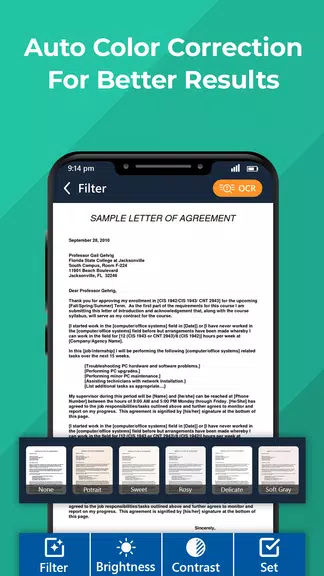
- Optimize Scan Quality using Fast scanner:
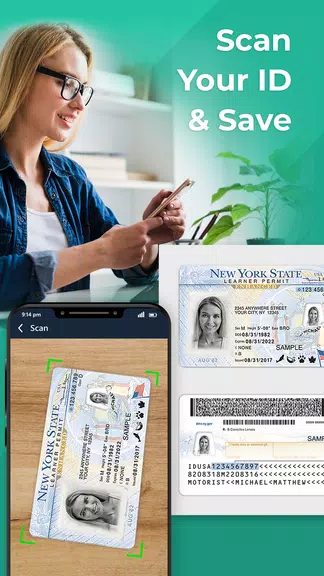
- Quickly Digitize Document with PDF scan:
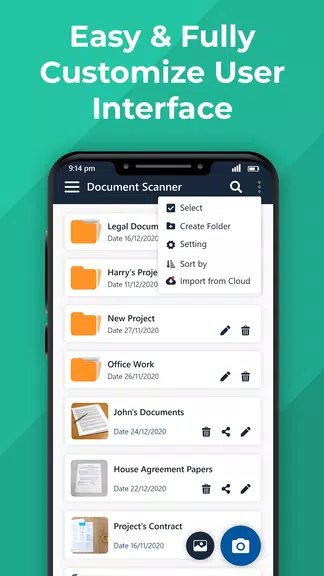
- Advanced Document Editing with Document scanner:
- Extract Texts from Images:
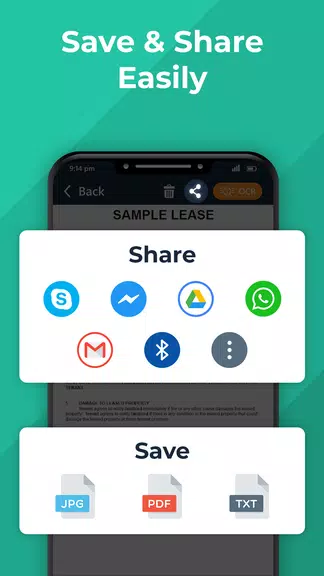
- Share PDF/JPEG Files:
Document Scanner - PDF Scanner has smart & accurate auto-cropping and auto-enhancing features that ensure clear and sharp texts and graphics in scanned documents with premium colors and resolutions.
With the camera scanner feature, you can easily digitize all kinds of paper documents, receipts, notes, invoices, whiteboard discussions, business cards, certificates, etc.
Easily make annotations and use a full set of editing tools to customize your documents. You can also add customized watermarks to mark your own documents.
Using the OCR feature, texts in document images can be recognized and extracted for later searching, editing, or sharing.
You can easily share documents in PDF or JPEG format with friends and colleagues via social media, email, or other sharing options.
Tips for Users:
- Use the OCR feature to easily search for specific texts within your scanned documents.
- Utilize the batch scanning feature for scanning multiple documents in one go, especially useful for students and offices.
- Protect confidential content by setting passwords for viewing and sharing important documents.
Conclusion:
Document Scanner - PDF Scanner is a versatile app that offers advanced features like optimized scan quality, document editing, text extraction, and secure document sharing. With user-friendly tools and functionalities, this app is a must-have for digitizing and managing your documents efficiently. Download Document Scanner - PDF Scanner now for FREE and experience the convenience of a portable scanner on your device.