Drawing Pad Pro: Unleash Your Inner Artist!
Drawing Pad Pro is a top-tier drawing app perfect for all ages. This versatile sketchbook software boasts a comprehensive collection of brushes, pens, and shapes, providing an exceptional drawing experience. Whether you're a seasoned artist or a budding young creator, this app offers everything you need – from painting and drawing to a fun doodle pad for kids, even including text and shape tools. Unlock its unique features and showcase your artistic talent!
Amazing Features:
- All-Ages Friendly: A perfect doodle pad for kids and a powerful tool for adults.
- Diverse Brushes: Explore a wide variety of brush types, from simple to highly detailed, shaded, or blurred effects.
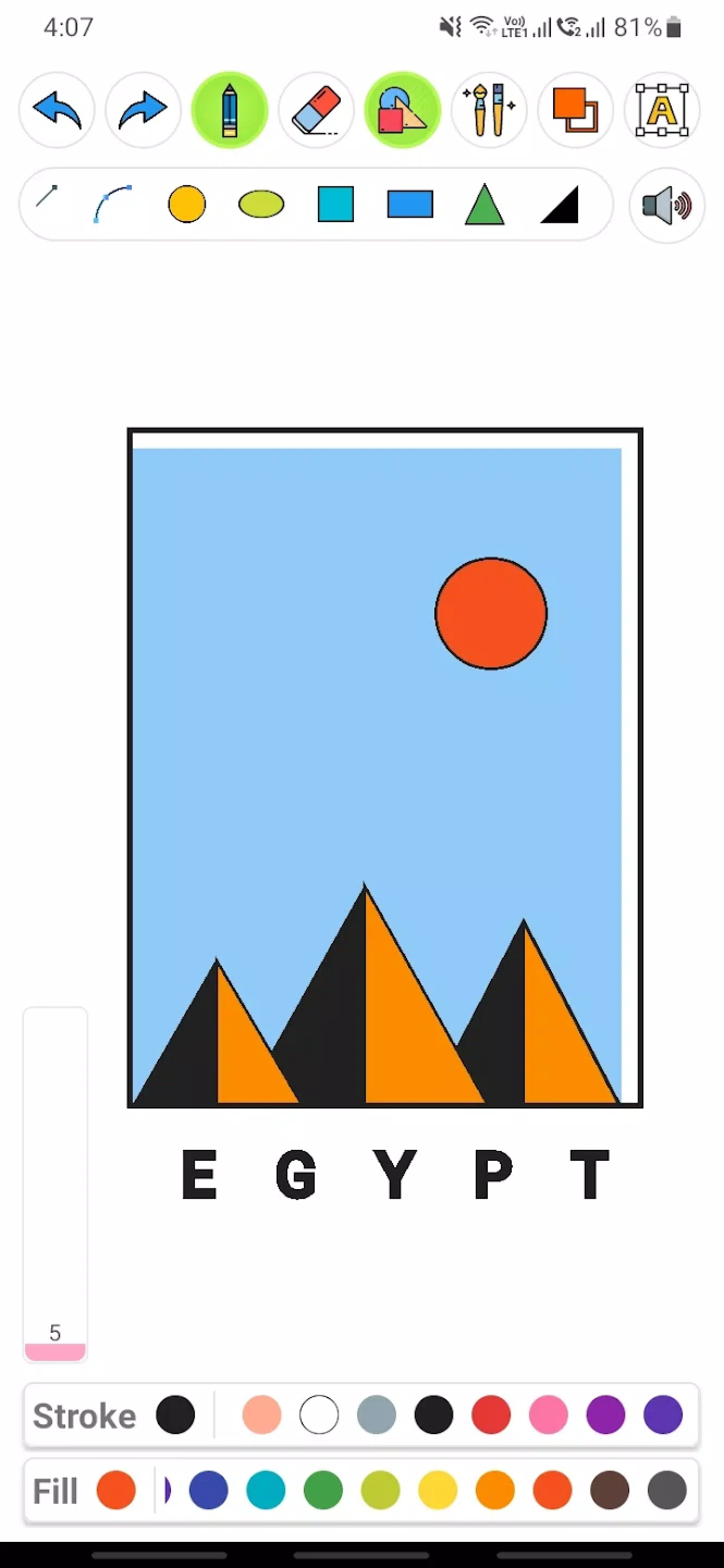
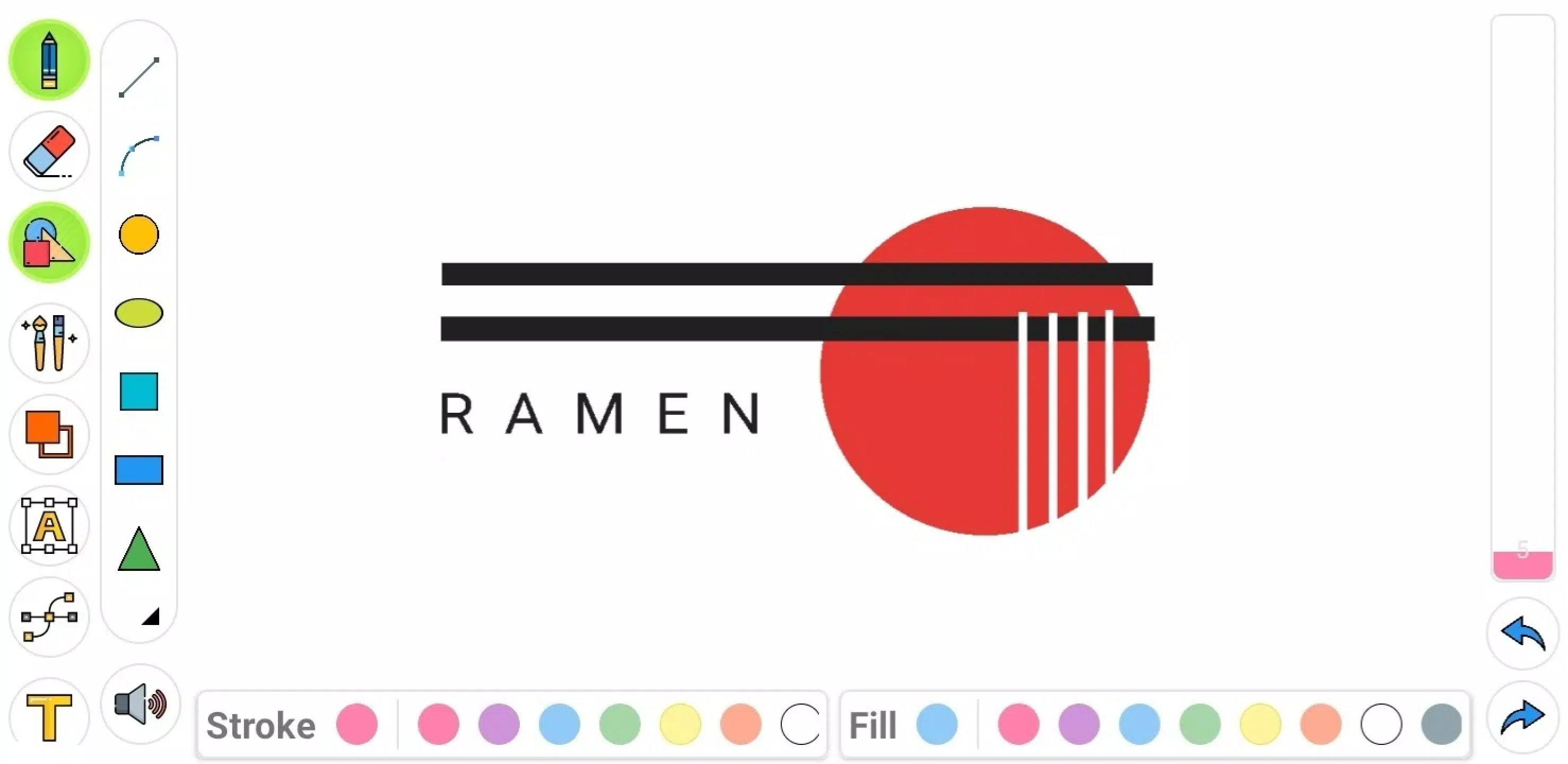
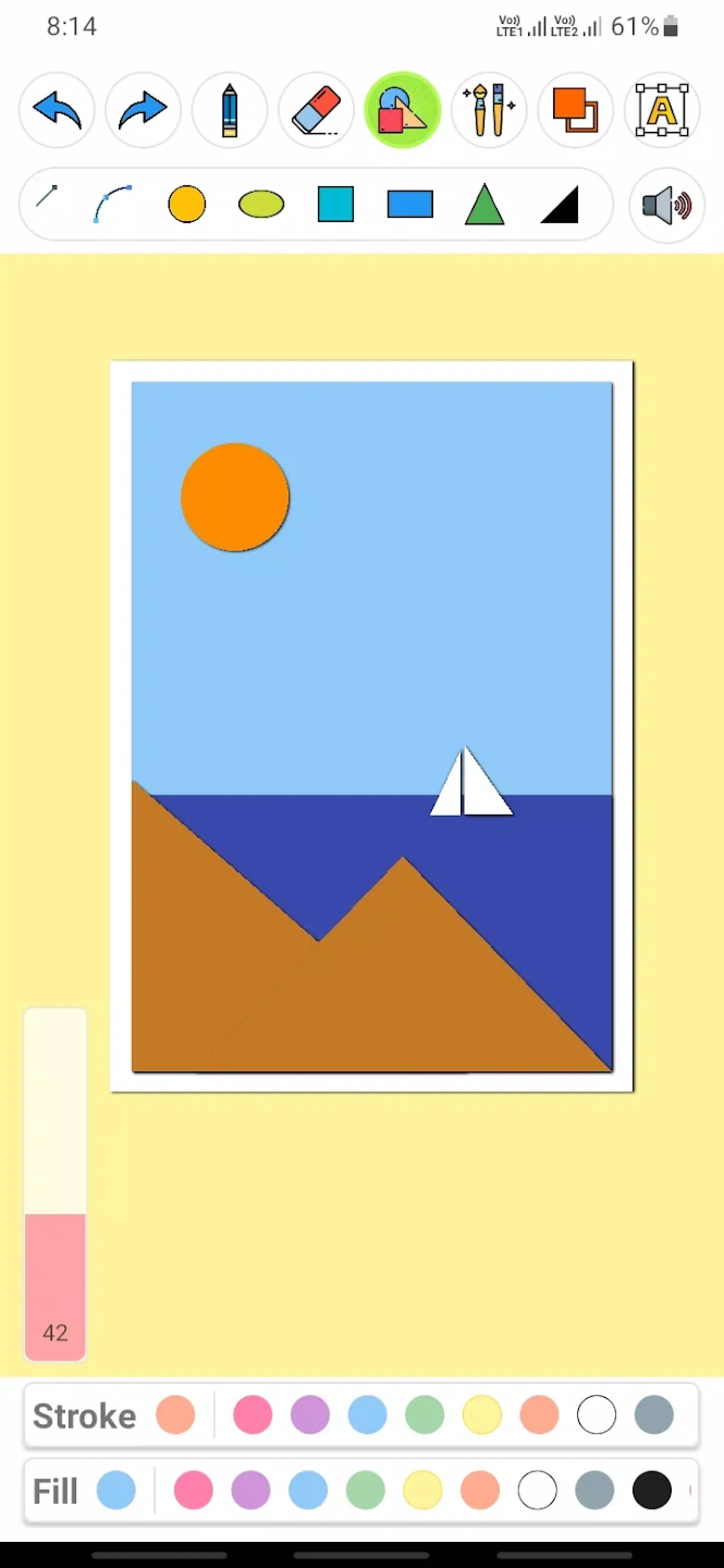
- Geometric Shapes & Vectors: Create precise geometric art using squares, circles, triangles, and more. Control stroke, fill, or both, with customizable colors.
- Vibrant Color Palette: Choose from a vast range of colors to bring your creations to life.
- Effortless Sharing: Easily save and share your artwork across various platforms.
More Than Just a Doodle Pad:
This user-friendly app is ideal as a children's doodle pad, helping them learn shapes and colors while fostering creativity. It also serves as a personal sketchbook, eliminating the need for paper. Choose pen size and color to create stunning artwork. Work in portrait or landscape mode to suit your style.
Creative Drawing Tools:
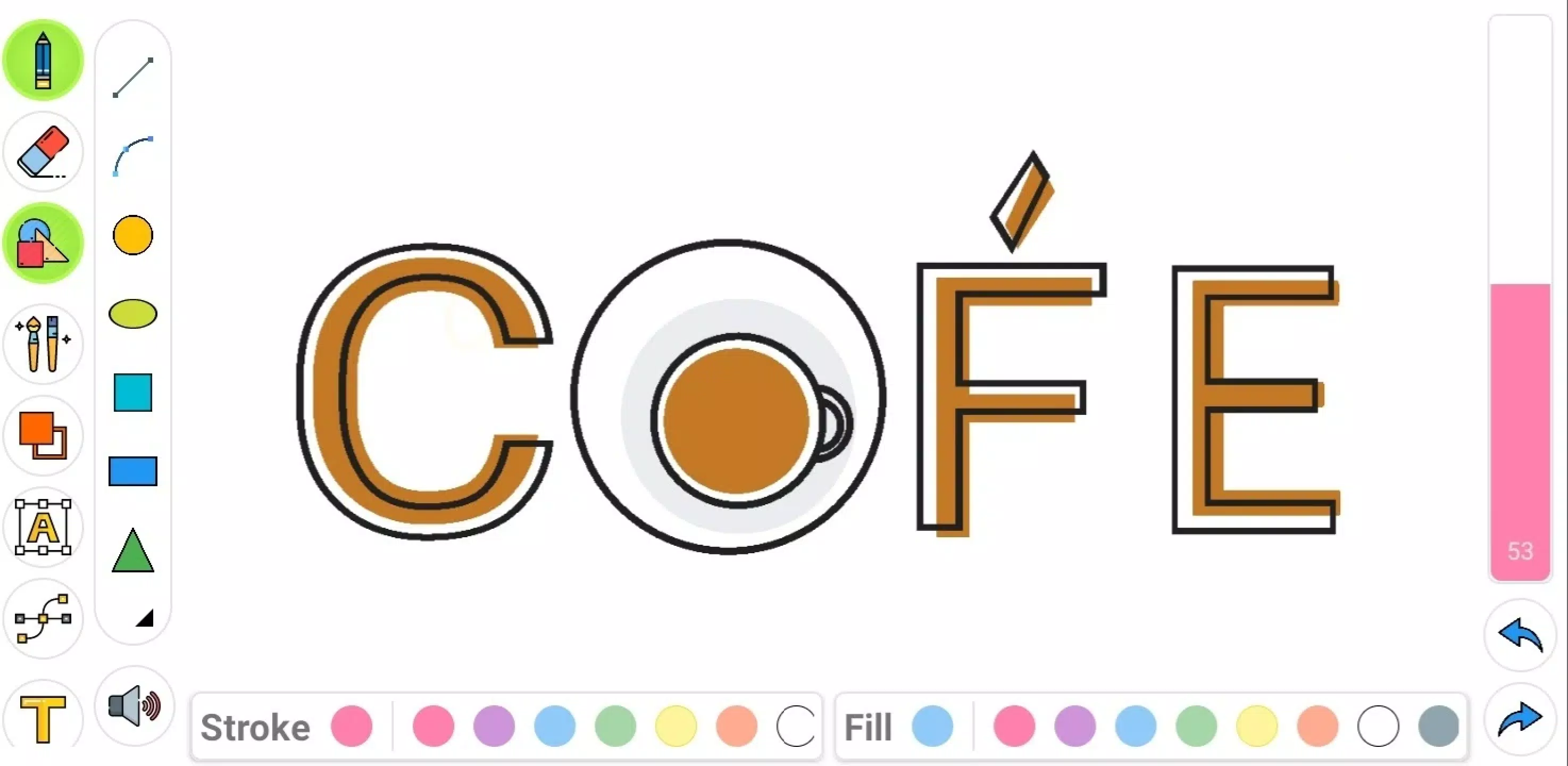
Drawing Pad Pro's powerful features allow for limitless creativity. Experiment with different colors and utilize rotate and scale options for perfect composition. The app's text feature lets you create impressive word art, with options to resize, scale, and rotate text. An eraser tool ensures easy corrections.
Unique Geometry & Text Capabilities:
Explore the world of geometry with precision shapes. Create unique art by combining shapes and lines, customizing stroke and fill colors independently. The text tool enables the creation of striking word art with complete control over size, scale, and rotation.
Download Drawing Pad Pro today and let your creativity flow! Explore the numerous features and impress your friends with your amazing artwork. Begin your artistic journey now!