The highly anticipated hero shooter, *FragPunk*, has finally arrived on PC, but some players are experiencing a frustrating audio issue—no sound! This makes the fast-paced gameplay nearly impossible, as audio cues are crucial in *FragPunk*. Don't worry, we've got solutions.
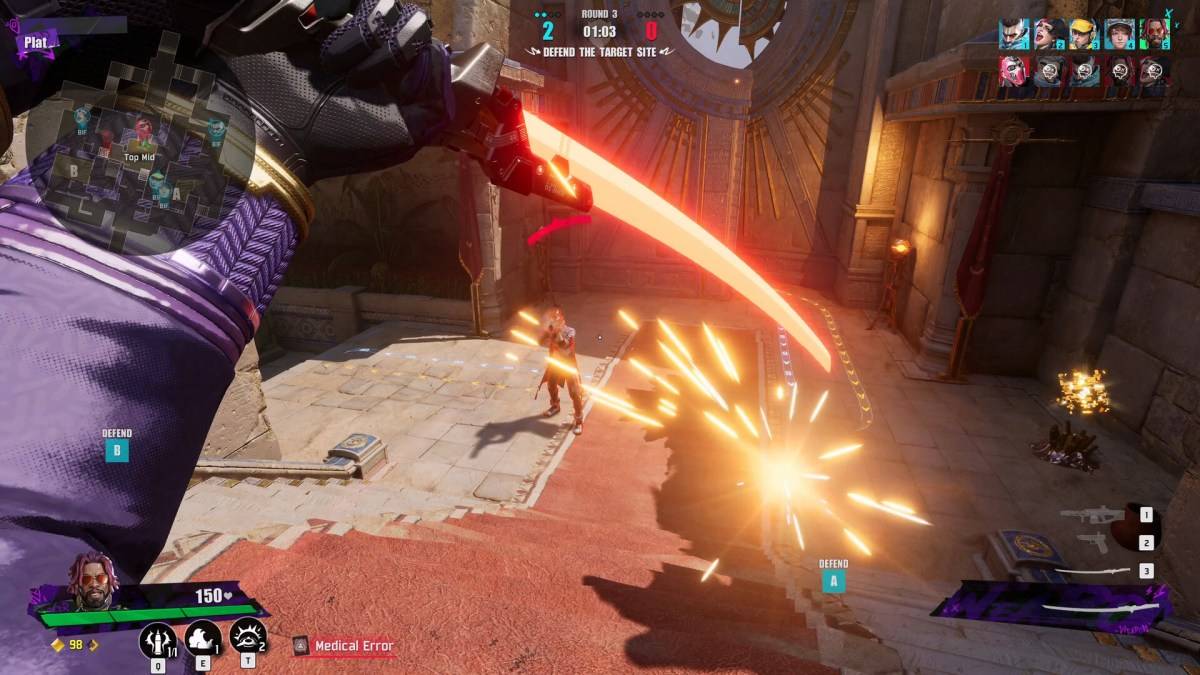
While the console release is delayed, PC players are already exploring the game's diverse Lancers. However, the lack of in-game audio is a significant problem. Fortunately, the community has identified a couple of fixes.
Reddit user Even_Significance581 shared these solutions, both involving a tweak to your system settings:
Disabling Exclusive Mode for FragPunk
- Right-click the speaker icon in your PC's system tray.
- Select "Sound settings."
- Navigate to the "Advanced" section and click "More sound settings."
- Right-click your speaker or headphones.
- Choose "Properties," then go to the "Advanced" tab.
- Uncheck "Allow applications to take exclusive control of this device."
- Click "Apply," then "OK."
- Relaunch *FragPunk* and check if the audio is restored.
If this doesn't work, there's another option:
Running FragPunk as Administrator
- Right-click the *FragPunk* shortcut.
- Select "Properties."
- Go to the "Compatibility" tab.
- Check "Run this program as an administrator."
This grants *FragPunk* full system access, potentially resolving the audio issue. If problems persist after trying both methods, double-check *FragPunk*'s in-game audio settings are set to default. This helps determine if the issue stems from the game itself or your PC configuration. If it's the game, contacting Bad Guitar Studio is your next step.
That's how to fix the audio problem in *FragPunk*. For further optimization, check out The Escapist's guide to the best settings and crosshair codes. Also, learn about the *FragPunk* voice actors and where you've heard them before!
FragPunk is currently available on PC, with PlayStation and Xbox releases planned for a later date.