Handheld gaming PCs have surged in popularity in recent years, largely thanks to the groundbreaking Steam Deck. This trend has prompted major PC manufacturers to develop their own versions, with the Lenovo Legion Go S positioning itself as a close competitor to the Steam Deck, distinct from its predecessor, the original Legion Go.
The Lenovo Legion Go S introduces a unibody design, moving away from the Switch-like detachable controllers and the array of extra dials and buttons that characterized the original Legion Go. A significant upcoming feature is the planned release of a SteamOS version later this year, making it the first non-Valve handheld to run this Linux-based operating system out of the box. However, the model reviewed here operates on Windows 11, and at a price point of $729, it faces stiff competition among other Windows 11 handhelds.
Lenovo Legion Go S – Photos
 7 Images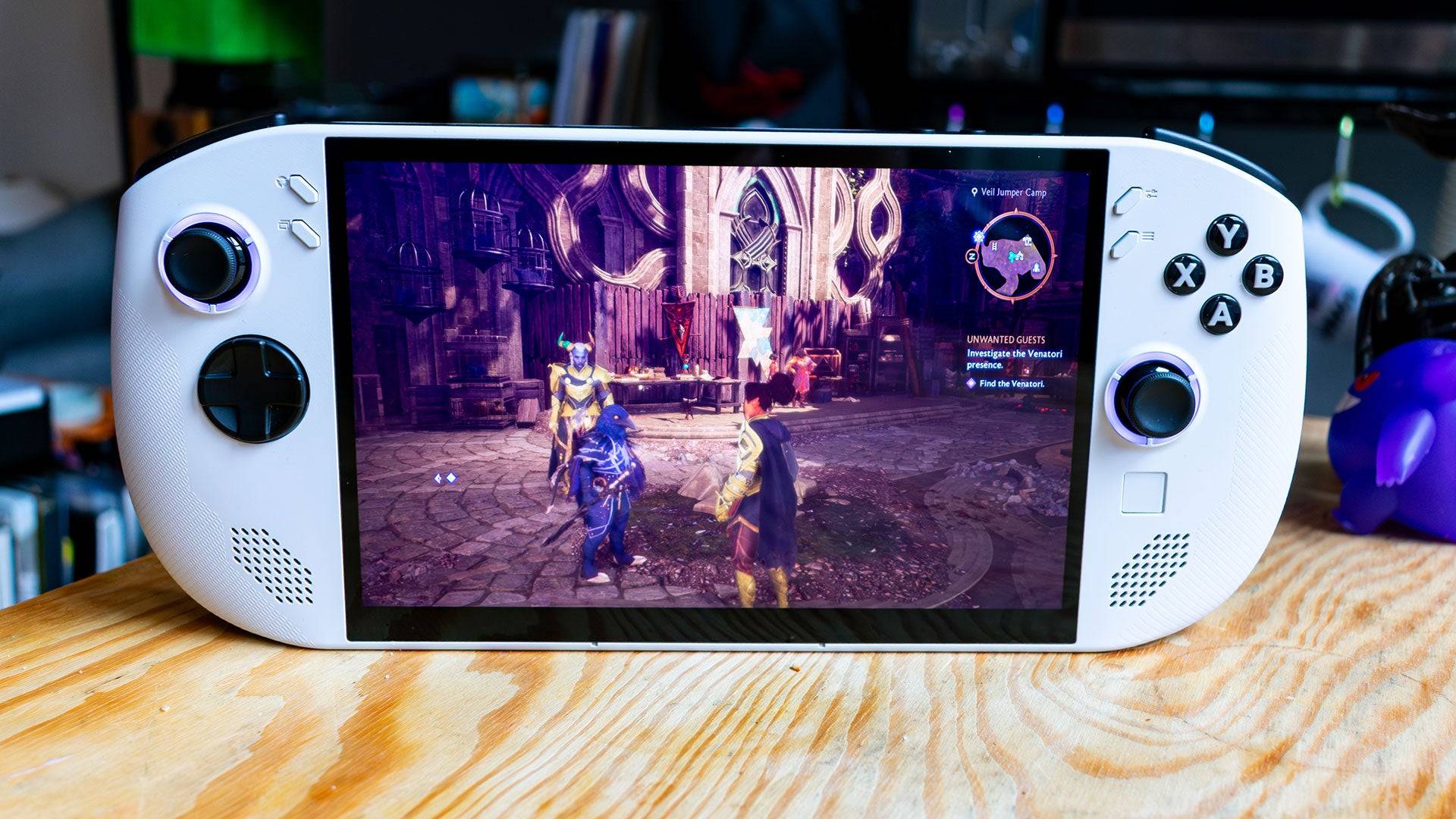
 Lenovo Legion Go S – Design
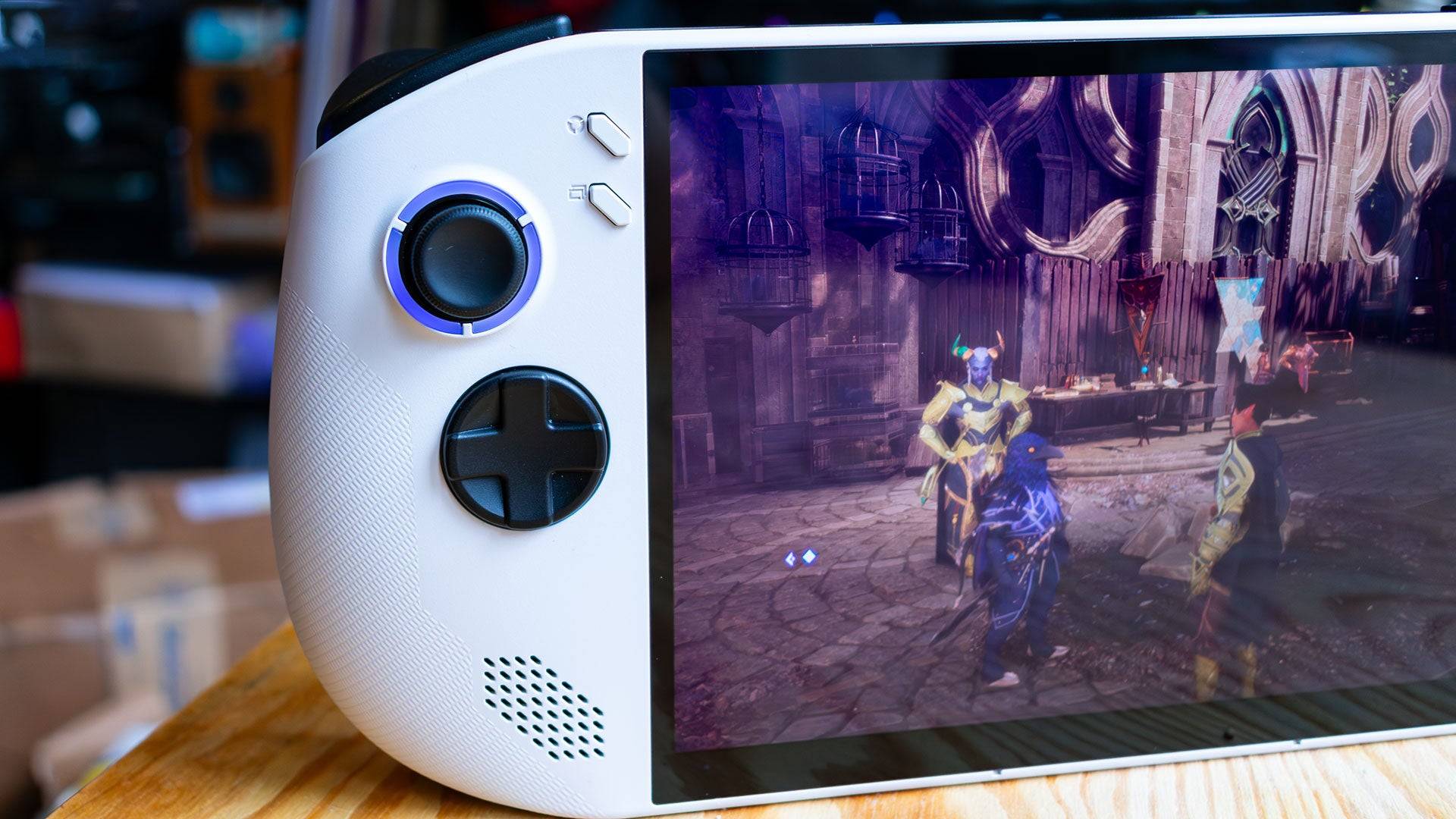
The Lenovo Legion Go S adopts a design more akin to the Asus ROG Ally than its original counterpart. Its unibody construction simplifies usage, though the rounded edges of the chassis enhance comfort during extended gaming sessions, despite the device's notable weight of 1.61 pounds. This weight, slightly less than the original Legion Go but more than the Asus ROG Ally X, can be felt during prolonged use.
The Legion Go S boasts an impressive 8-inch, 1200p IPS display with a brightness of 500 nits, delivering stunning visuals across various games. From the vibrant hues of Dragon Age: The Veilguard to the realistic tones of Horizon Forbidden West, the display quality is top-notch, rivaled only by the Steam Deck OLED.

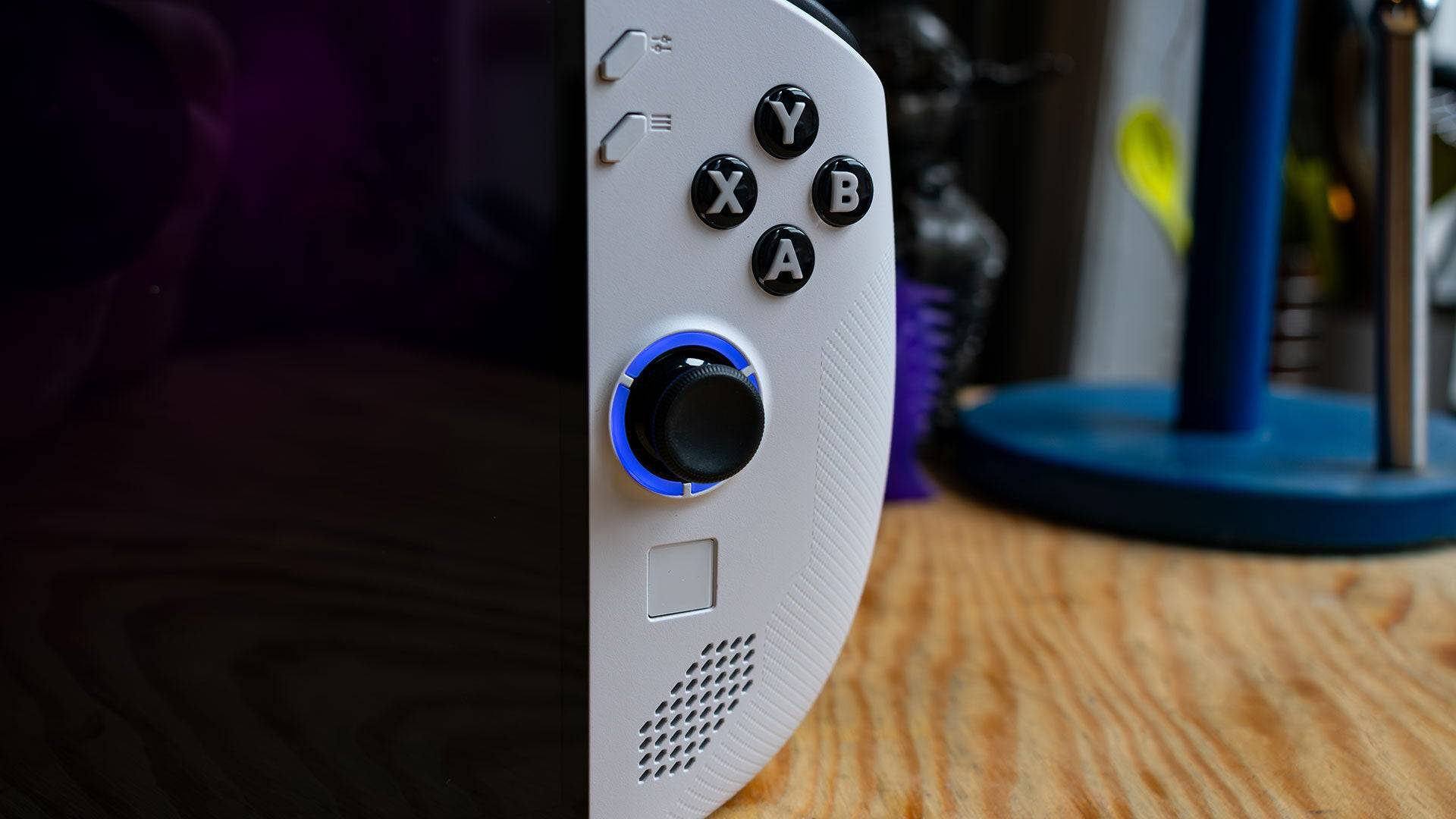
Available in Glacier White and Nebula Nocturne (the latter exclusive to the upcoming SteamOS version), the Legion Go S features RGB lighting around each joystick, customizable through an on-screen menu. The button layout is more intuitive than the original, with 'Start' and 'Select' buttons placed standardly on either side of the display. However, the placement of Lenovo's proprietary menu buttons above them may cause initial confusion.
These menu buttons offer quick access to settings like screen brightness and power management, as well as shortcuts for tasks like opening Task Manager. The touchpad, while smaller than the original, aids in navigating Windows, though less effectively. The upcoming SteamOS version should mitigate these navigation challenges, given its controller-friendly interface.
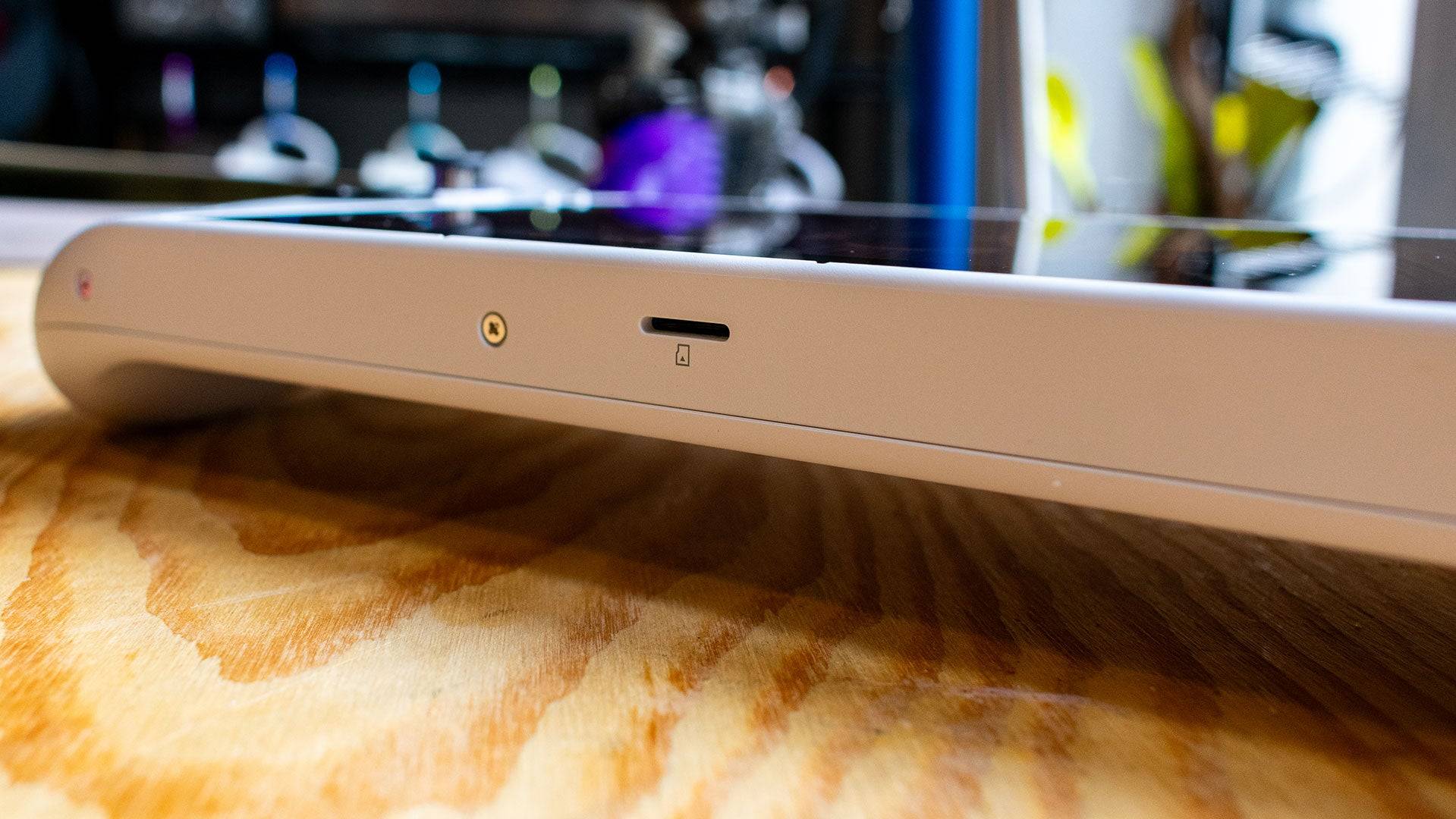
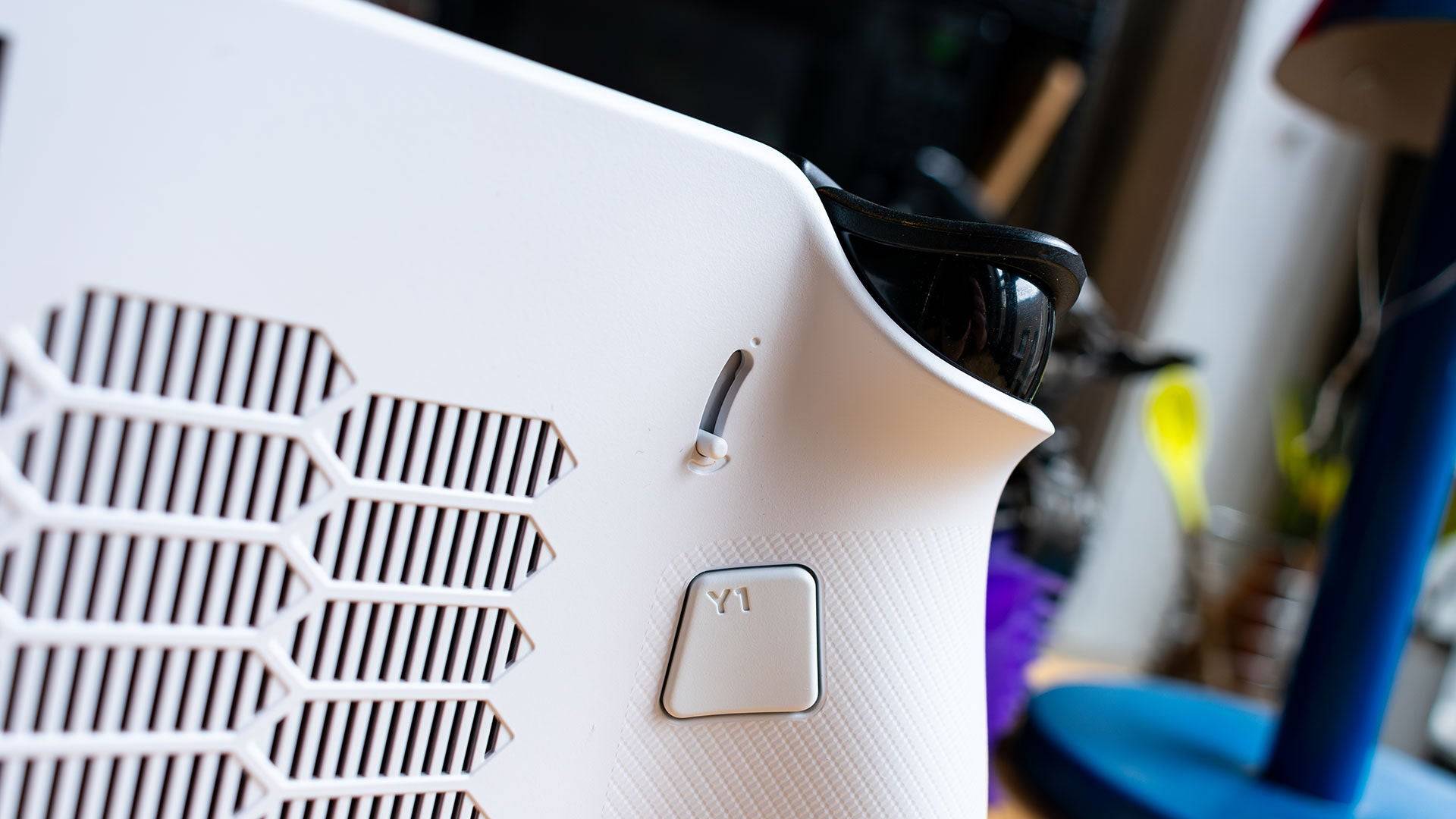
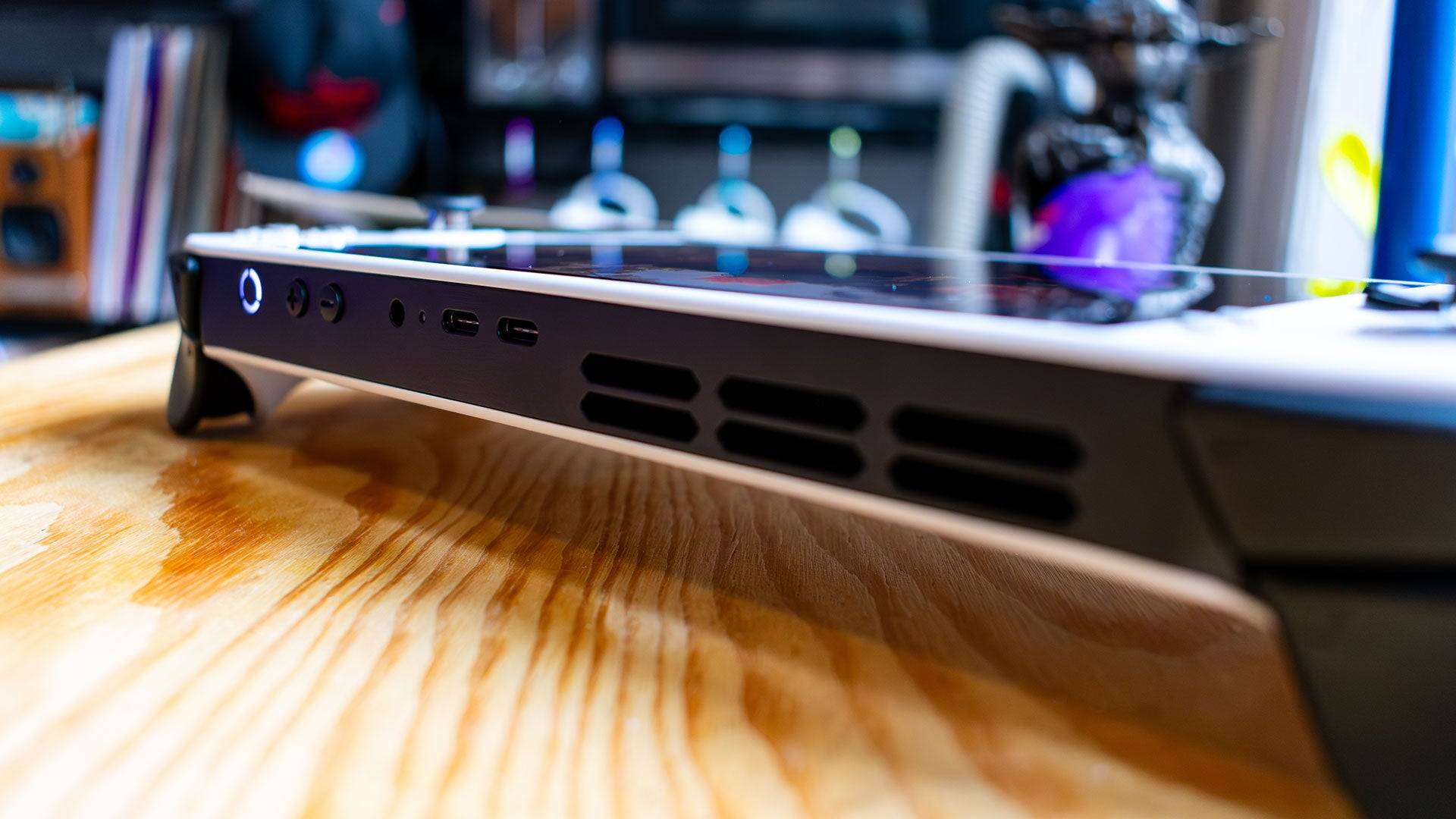
The LegionSpace software, accessible via a button on the left side, manages system updates and gaming libraries. The back of the device includes programmable 'paddle' buttons and trigger travel distance levers, though with limited adjustment options. The top features two USB 4 ports, while the bottom has a centrally located MicroSD card slot, which may be inconvenient for docking.
Purchasing Guide
The reviewed Lenovo Legion Go S, available from February 14, is priced at $729.99 and comes equipped with a Z2 Go APU, 32GB of LPDDR5 RAM, and a 1TB SSD. A more budget-friendly option with 16GB of RAM and a 512GB SSD will be released in May for $599.99.
Lenovo Legion Go S – Performance
The Lenovo Legion Go S is the first handheld to feature the AMD Z2 Go APU, which, despite its innovative nature, uses older Zen 3 and RDNA 2 technologies. This results in performance that lags behind the original Legion Go and the Asus ROG Ally X. The battery life, at 4 hours and 29 minutes, is also slightly less than the original Legion Go, despite a larger battery.

In benchmark tests like 3DMark, the Legion Go S underperforms compared to its competitors. However, in gaming scenarios, it shows marginal improvements in some titles like Hitman: World of Assassination, though it struggles with more demanding games like Horizon Forbidden West. For optimal performance, settings should be adjusted to medium at 800p resolution to achieve a comfortable 30-40 fps in most AAA games.
The Legion Go S excels with less demanding games, such as Persona 5, where its vibrant display and smooth performance shine.
Wait, It’s More Expensive?
Despite its positioning as a potentially more affordable "Legion Go Lite," the Lenovo Legion Go S is priced at $729, higher than the original Legion Go's $699 starting price. This pricing is puzzling given its weaker APU and lower resolution display, but it's justified by the inclusion of 32GB of LPDDR5 memory and a 1TB SSD.
While the extra memory is beneficial in theory, the slower memory speed compared to the original Legion Go limits its effectiveness. Users can manually adjust the frame buffer in the BIOS to improve performance, but this process is cumbersome and not well-documented.
For most users, the 32GB of memory is overkill for a handheld primarily used for gaming. The upcoming $599 model with 16GB of RAM offers a more balanced and cost-effective option, making it a compelling choice in the handheld gaming market.