If you're diving into the world of Infinity Nikki, you might be thrilled to discover one of its standout features: the ability to connect with friends. Let's walk through how you can expand your social circle within the game!
Adding Friends in Infinity Nikki
To begin, simply press the Esc key to access the game's menu. Here, you'll find the Friends tab, which is easy to spot given the menu's straightforward layout.
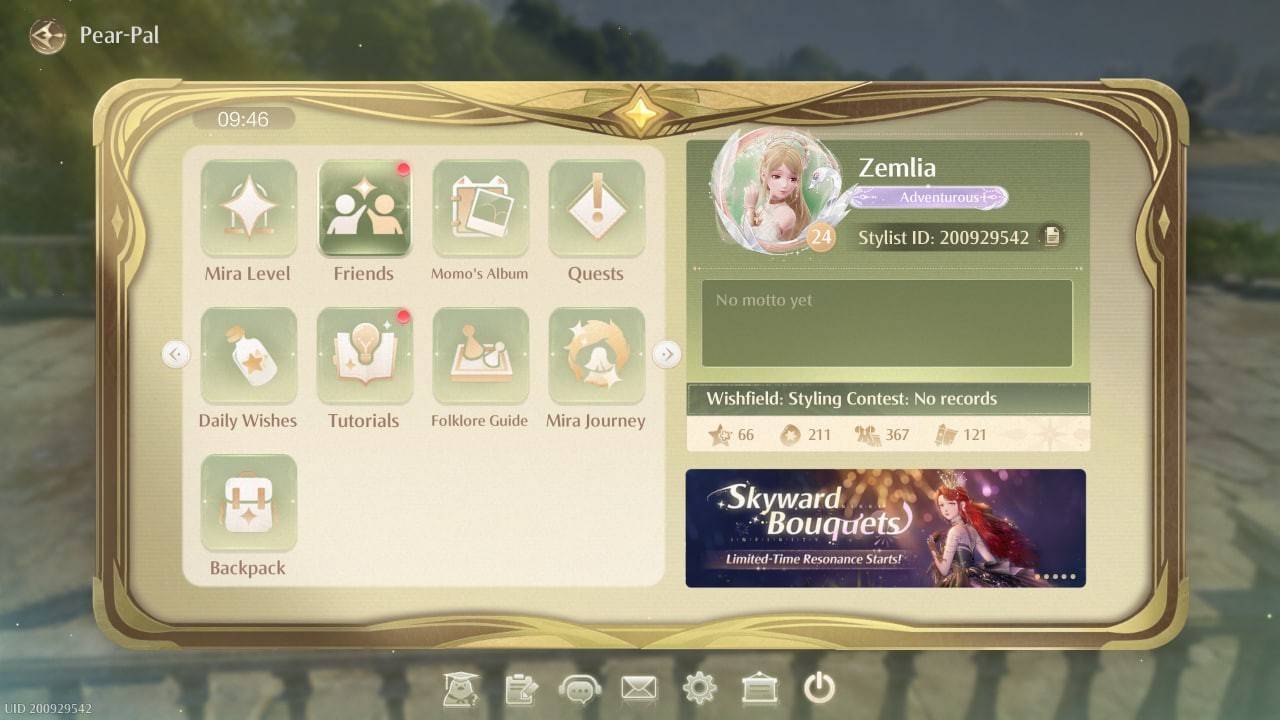 Image: ensigame.com
One of the convenient ways to connect is by searching for other players by their names. Just type the name into the search field, and send a friend request. Once it's accepted, you're officially friends!
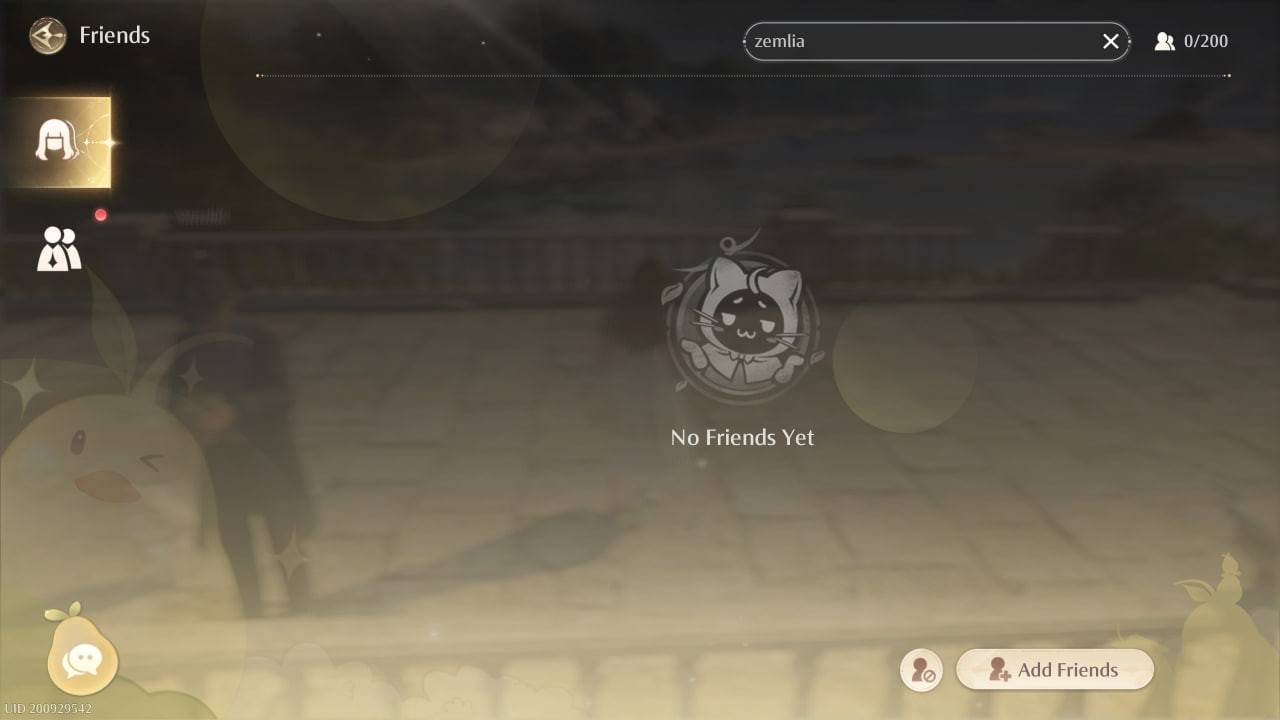 Image: ensigame.com
For an even smoother experience, you can generate a unique friend code. To do this, double-click the button located in the bottom right corner of the Friends screen. Share this code with others to quickly add them as friends.
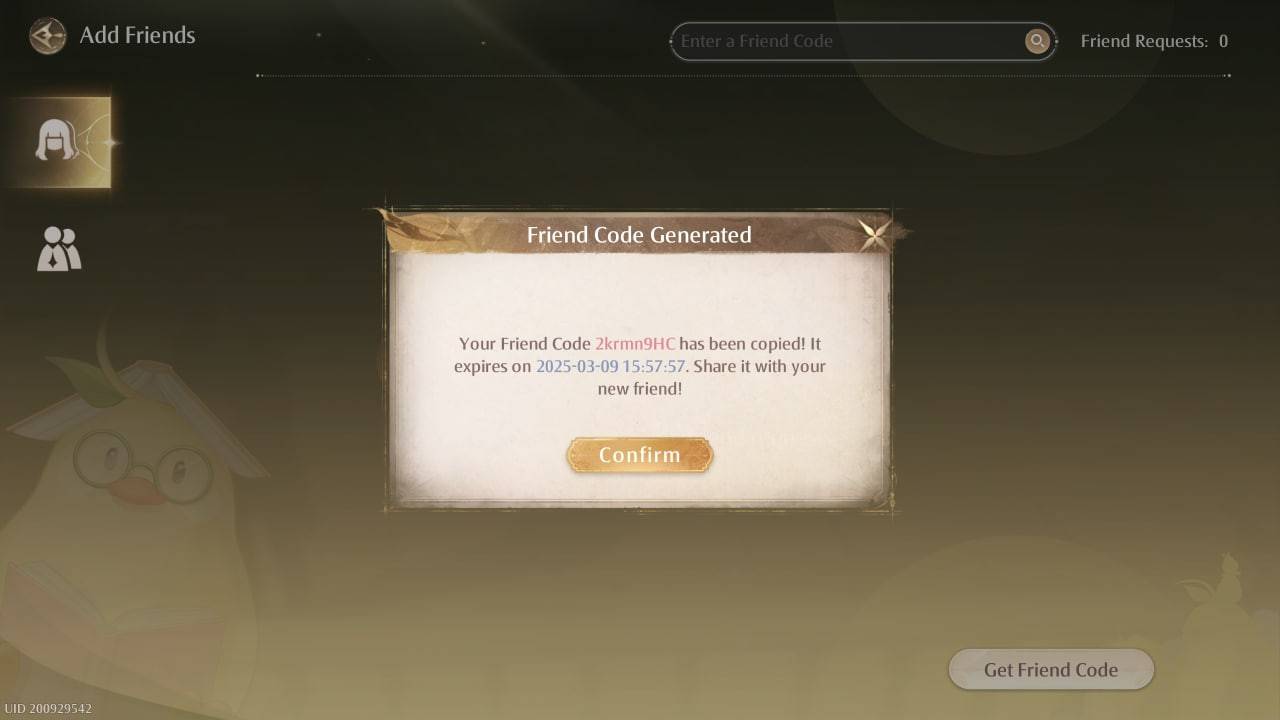 Image: ensigame.com
With friends added, you can engage with fellow fashion enthusiasts, exchange creative ideas, and showcase your stunning outfit designs. Communication is made easy with the in-game chat feature. Just click on the pear icon in the bottom left corner to open the chat window and start conversing.
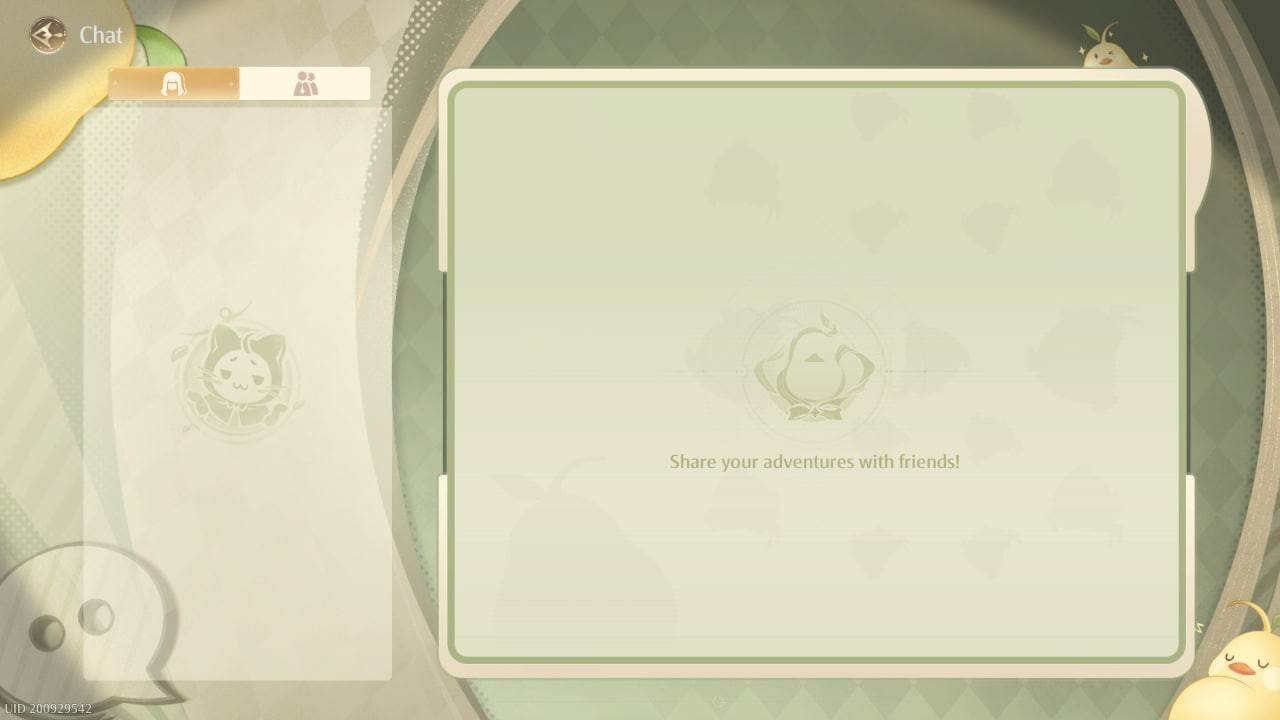 Image: ensigame.com
It's important to note, however, that Infinity Nikki does not currently support a multiplayer mode. This means you won't be able to explore the game world together, tackle quests, or gather items for your next fashion statement. While the developers have not yet introduced this feature, the community remains hopeful for future updates.
Now that you know how to add friends in Infinity Nikki, you're all set to build your network within the game. Remember, though, that while you can chat and share, you won't be able to play together online just yet!