*Ready or Not* might sound like a kid's game, but it's far from it. This intense SWAT-themed first-person shooter can sometimes throw you a curveball with technical issues. Here's a comprehensive guide on how to resolve the "Serialization Error Action Needed" in *Ready or Not*.
How to Tackle 'Serialization Error Action Needed' in Ready or Not
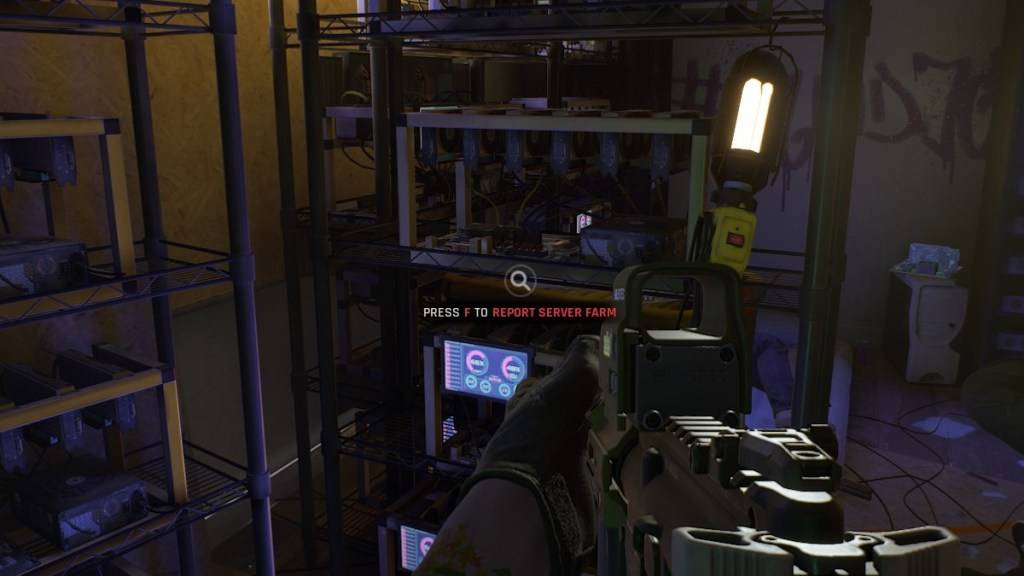
The *Ready or Not* error "Serialization Error Action Needed" often comes with the message "Corrupt data found, please verify your installation." This is an issue related to the Unreal Engine, and there are several steps you can take to fix it.
1. Verify Your Installation
The first step is to follow the prompt and verify your installation. Here's how to do it on Steam, ensuring you're not in offline mode:
- Go to your Steam Library and locate *Ready or Not*.
- Right-click on the game and select "Properties."
- Navigate to "Installed Files" and click on "Verify Integrity of Game Files."
- This process will check for any missing or damaged files and re-download them if necessary.
- After verification, relaunch *Ready or Not*. If the game runs smoothly, you're all set. If not, proceed to the next step.
2. Remove Any Mods
The "Serialization Error Action Needed" can also be triggered by outdated or broken mods, especially those not updated for Unreal Engine 5. Here's how to remove them:
- In your Steam Library, find *Ready or Not* and left-click on "Manage," then "Browse Local Files."
- Open the "ReadyorNot" folder, then the "Content" folder, and finally the "Paks" folder.
- Delete the "mod.io" folder to remove all mods.
- Try running the game again. If it works, you've successfully removed the problematic mods.
Related: Ready or Not: What's Better, DirectX 11 or DirectX 12 (DX11 vs. DX12)?
3. Reinstall Your Mods
If you want to use mods again, reinstall them one at a time to identify any that might cause the error:
- Visit Nexus Mods, Mod.io, or your mod source and check the update date of each mod.
- Only install mods updated after July 2024, when *Ready or Not* transitioned to Unreal Engine 5.
- Install a mod, launch the game, and see if the error reappears. If it does, the last mod installed is likely the culprit and should be skipped.
If these steps don't resolve the issue, consider uninstalling and reinstalling *Ready or Not* from scratch. While hard disk corruption is a possibility, most cases of this error are linked to outdated mods.
That's how you can fix the "Serialization Error Action Needed" in *Ready or Not*. The game is currently available for PC players.