Samsung MultiStar: Seamless Multitasking on Your Samsung Device
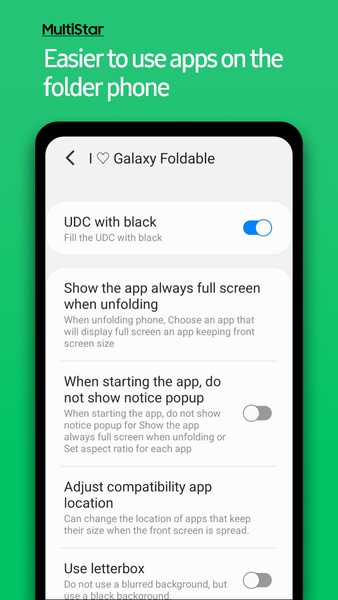
Samsung MultiStar is a powerful app enabling simultaneous use of two apps on your Samsung device through screen splitting. This functionality is beneficial across all Samsung devices, but especially shines on foldable models, allowing app usage on each screen.
Configuring Your Multiscreen Experience
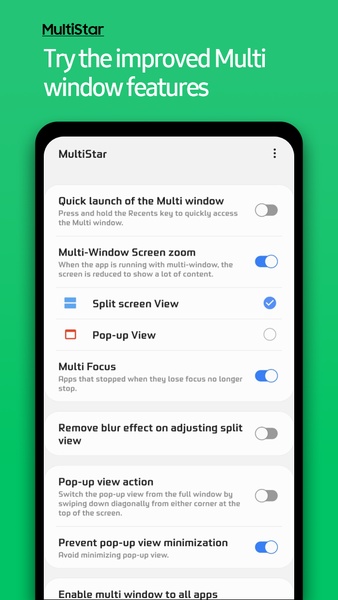
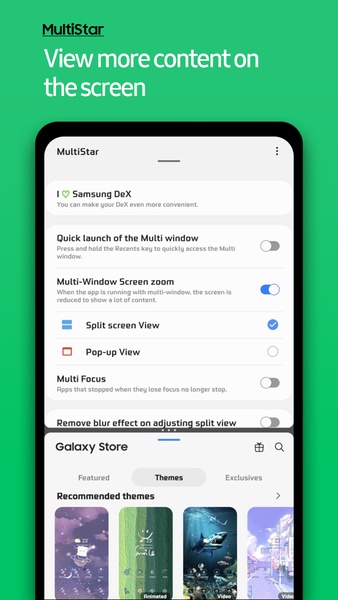
Within Samsung MultiStar's settings, you can customize your multiscreen setup. The default is a standard split-screen view, dividing the display into two equal halves. Alternatively, opt for pop-up mode. This overlays a smaller, movable window on top of your primary app – ideal for multitasking, such as messaging while watching a video.
Advertisement Universal Compatibility
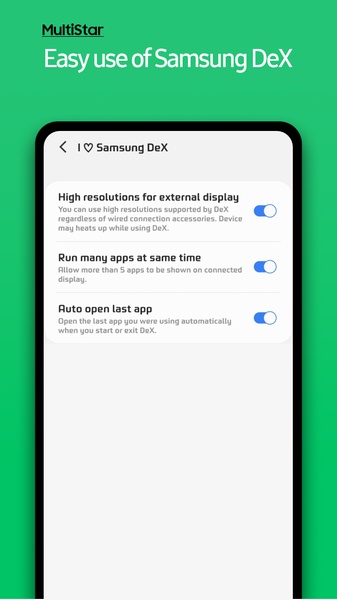
A key advantage of Samsung MultiStar is its adaptability. Feature availability varies based on your Android OS version and device model. Foldable device users will discover a wider range of options, while single-screen users still benefit from numerous helpful features. Enjoy multiscreen capabilities regardless of your Samsung device.
Download Samsung MultiStar now to enhance your productivity. Simultaneously transcribe text, chat with friends, or perform various other tasks. The possibilities are vast.
System Requirements (Latest Version)
- API 34