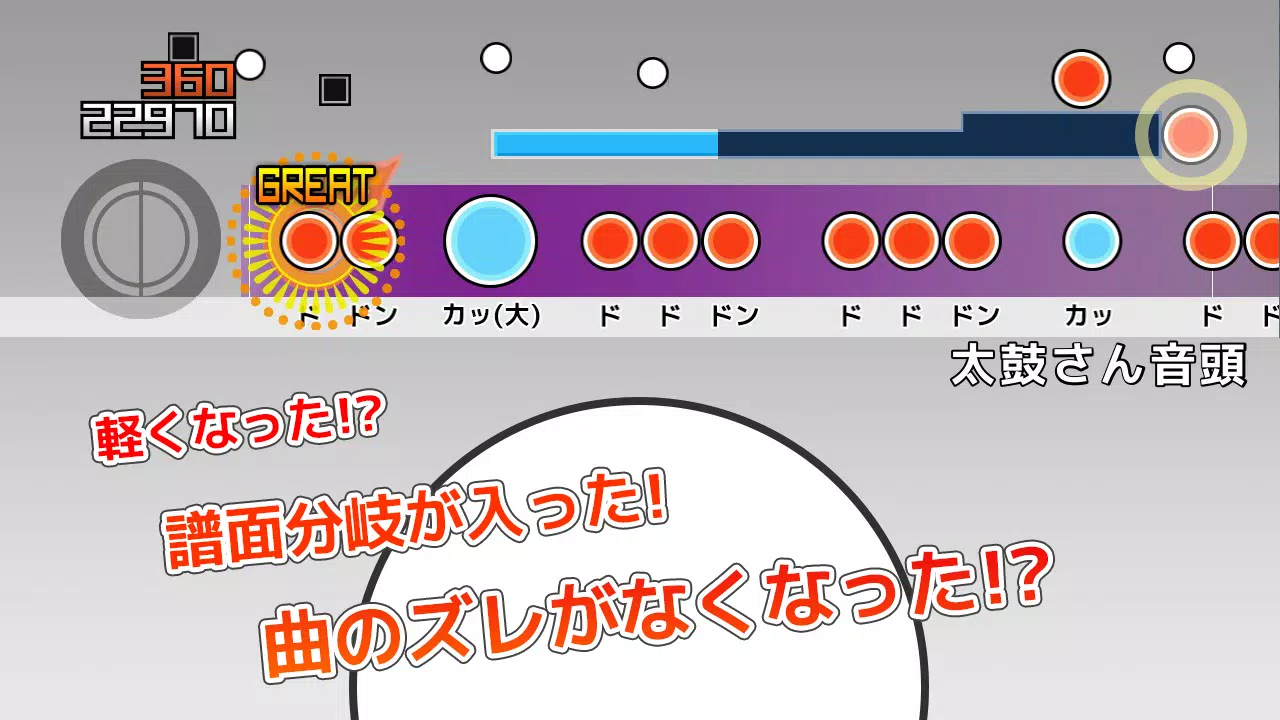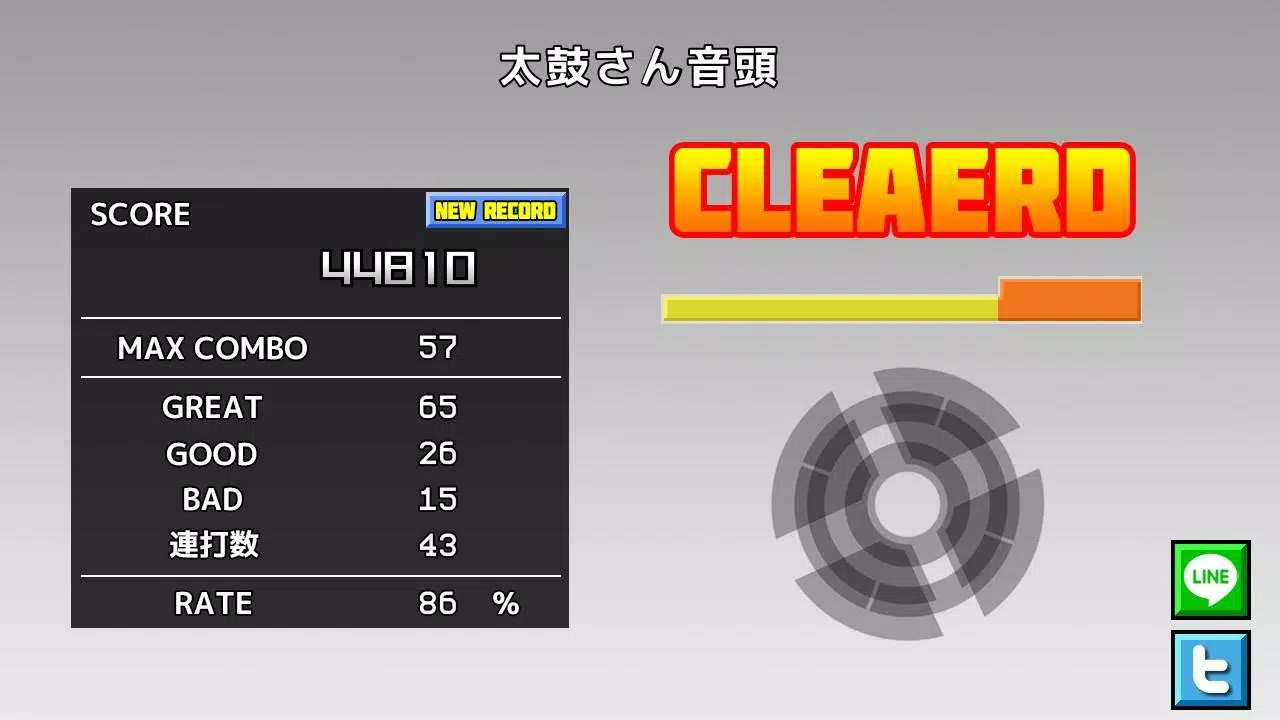
This app lets you play TJA files from the PC rhythm game "Taiko Sanjiro 2".
You can play TJA files originally created for the PC software "Taiko Sanjiro 2".
Due to the wide variety of Android devices available, we cannot test the app on every model. Unfortunately, we cannot provide support for devices that fail to launch.
We do not answer questions about where to obtain TJA files or custom skins. Thank you for your understanding.
How to Add Songs
When you first start the app, a folder named "TJA" will be created in the root directory of your device's internal storage or SD card.
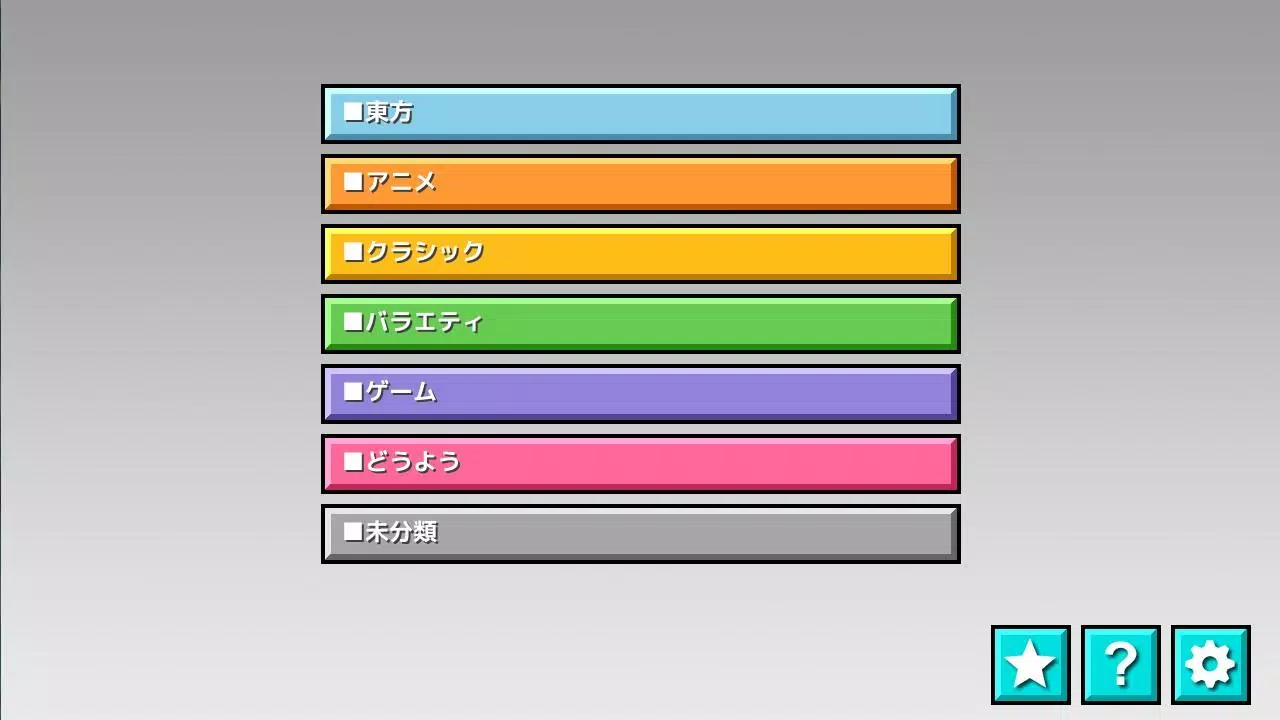
Create a genre folder inside the "TJA" directory and place your TJA files there.
If a genre folder does not contain a genre.ini file, it will be labeled as "Uncategorized".
On Android 4.4 or later, high scores may not be saved due to system restrictions.
We've added a "record location" option in the settings. Please select your preferred storage location.
How to Install Skins
The app supports skin data from "Taiko Sanjiro 2". (Some features may not be fully implemented.)
It is not compatible with skin data from the original "Taiko Sanjiro" (non-*2 version).
Skins are loaded from theme-default/default.csv.
Please note that performance may vary depending on your device model and the complexity of the skin.
Contents of genre.ini (required for genre folder recognition)
[Genre]
GenreName=Name of the genre
GenreColor=#66cc66
FontColor=#ffffffff
Help→http://chaos3.iruka.us/daijiro_help/ja/
What's New in the Latest Version 1.4.4
Last updated on Jun 29, 2023
- Due to enhanced Android security measures, the app can no longer access folders outside its designated directory.
If you're updating the app, please move your "/TJA" folder to "Android/data/com.daijiro.taiko2/files/TJA" using a file manager.
- Various bug fixes