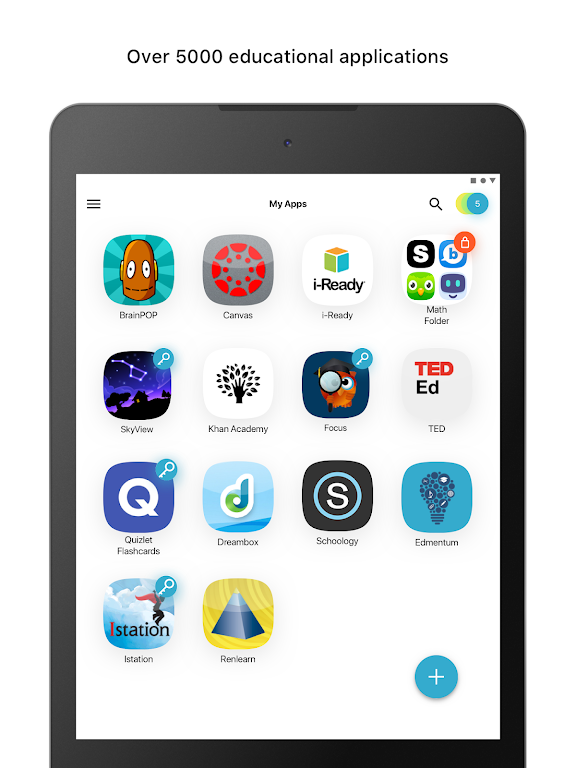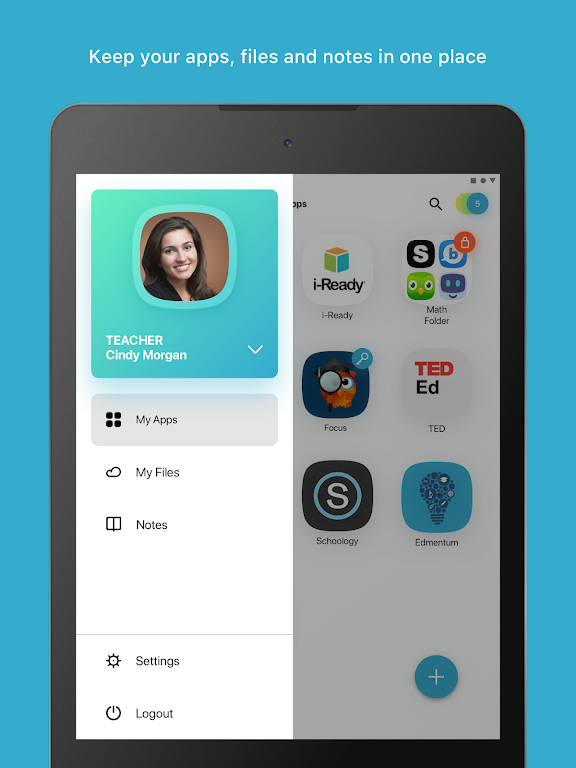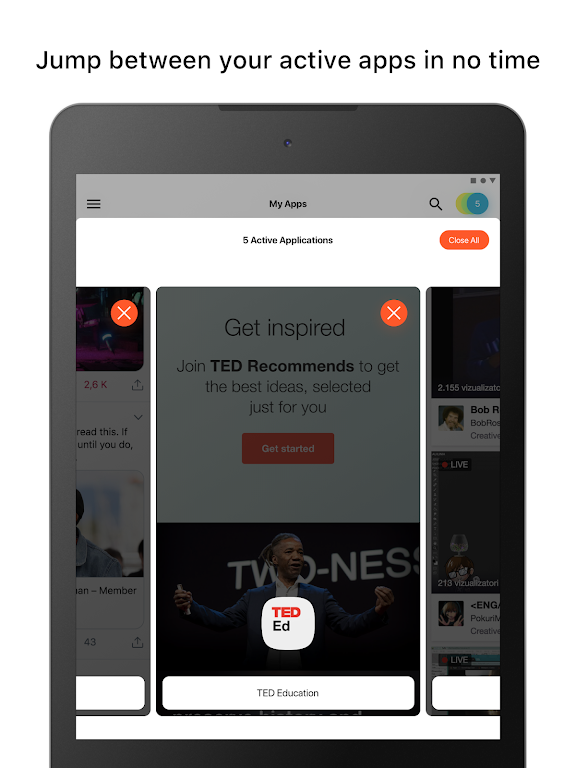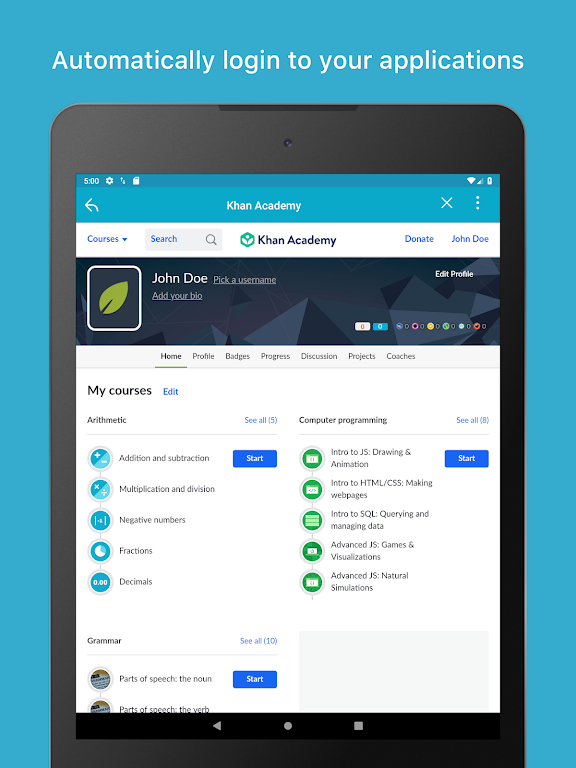

Classlink is the premier solution for streamlining access to all your school resources with a single click. Featuring personalized single sign-on (SSO) capabilities, it allows you to instantly connect to thousands of learning, productivity, and educational applications. With ClassLink LaunchPad, spend less time logging in and more time learning by gaining real-time access to cloud storage services like Google Drive, O365, OneDrive, Dropbox, Box, as well as your school's network folders. Designed for today’s fast-paced classrooms, Classlink ensures simple, 24/7 availability across multiple devices, making your educational journey seamless and efficient.
Key Features of ClassLink
- Personalized single sign-on access to all school resources
- Instant connectivity to thousands of learning, productivity, and educational apps
- Real-time access to cloud drives and mapped Active Directory folders
- Seamless integration with popular cloud storage providers including Google Drive, Dropbox, and Box
- Cross-device compatibility for easy 24/7 usage
- Simplified login process designed to save time and boost learning productivity
Conclusion
The ClassLink app offers a convenient and efficient way for students and educators to access school resources, applications, and cloud storage with just one click. Thanks to its user-friendly interface and real-time access features, ClassLink makes collaboration and learning easier than ever. Download now to enhance your educational experience!