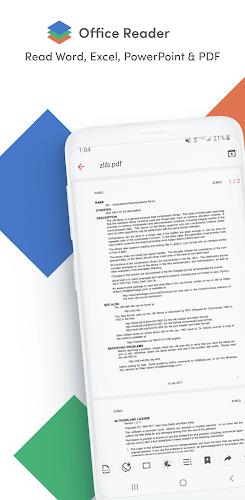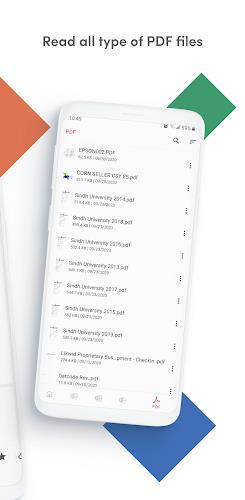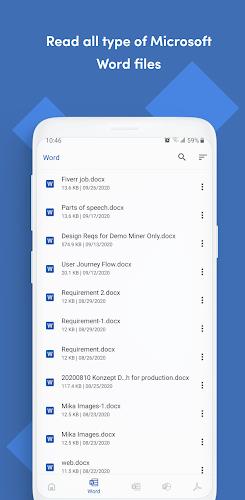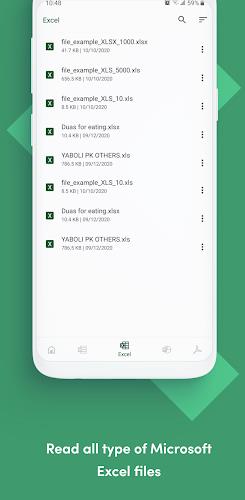
The Office Reader is the ultimate app for all your document reading and viewing needs. With support for a wide range of file formats, including Word, Excel, PowerPoint, PDF, and more, you can access all your important documents offline. Whether you're a student, professional, or simply someone who needs to access files on the go, this app has got you covered. What sets it apart is its ability to convert files, giving you the flexibility to transform documents into different formats. Plus, the folder navigation feature makes it easy to organize and locate your files. With just a long press on the app icon, you can quickly access your most recently opened documents, saving you time and effort. Don't miss out on this essential app for managing all your documents effortlessly.
Features of Office Reader - PDF,Word,Excel:
- Wide range of supported file formats: The Office Reader app allows you to read and view various document types offline, including Word documents (DOC, DOCX), Excel spreadsheets (XLS, XLSX), PowerPoint presentations (PPT, PPTX), PDF files, and more.
- Support for password-protected files: This app can handle password-protected files, ensuring that your confidential documents remain secure. You can easily access and view password-protected Word documents, Excel spreadsheets, PowerPoint presentations, and PDF files.
- Convenient file conversion: With the app, you can convert different file formats seamlessly. It allows you to convert Word to PDF or plain text, PowerPoint to PDF or plain text, PDF to rasterized PDF, PowerPoint, or plain text, and much more. This feature makes it easy to adapt and share files in your preferred format.
- Folder navigation: The app offers convenient folder navigation, allowing you to organize and access your documents effortlessly. You can browse through different folders within the app, making it simple to find and open the files you need.
- Quick access to recent files: By long-pressing the app icon, you can instantly view a list of the four most recently opened files. This feature saves you time and effort, providing quick access to your frequently accessed documents.
- Support for various source code files: In addition to standard document formats, the app supports a wide range of source code files. Whether it's Java, Kotlin, Scala, Python, Ruby, Dart, JavaScript, TypeScript, C, C++, XML, YAML, HTML, XHTML, CSS, and more, you can easily view and read these source code files offline.
Conclusion:
The Office Reader app offers a user-friendly and versatile solution for reading and viewing various document types offline. With its support for a wide range of file formats, including password-protected files and source code files, along with convenient features like file conversion, folder navigation, and quick access to recent files, this app provides a comprehensive and efficient document management experience. Start enjoying seamless document viewing and download the Office Reader app today.