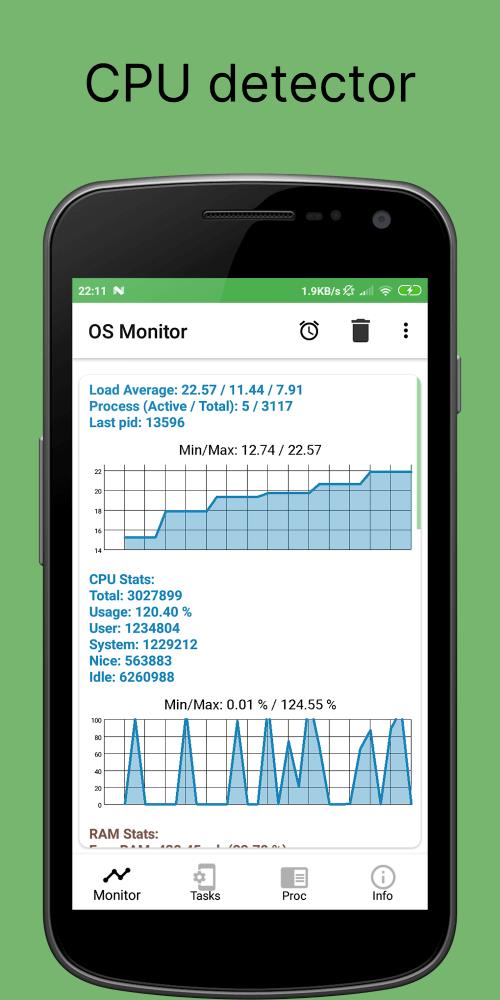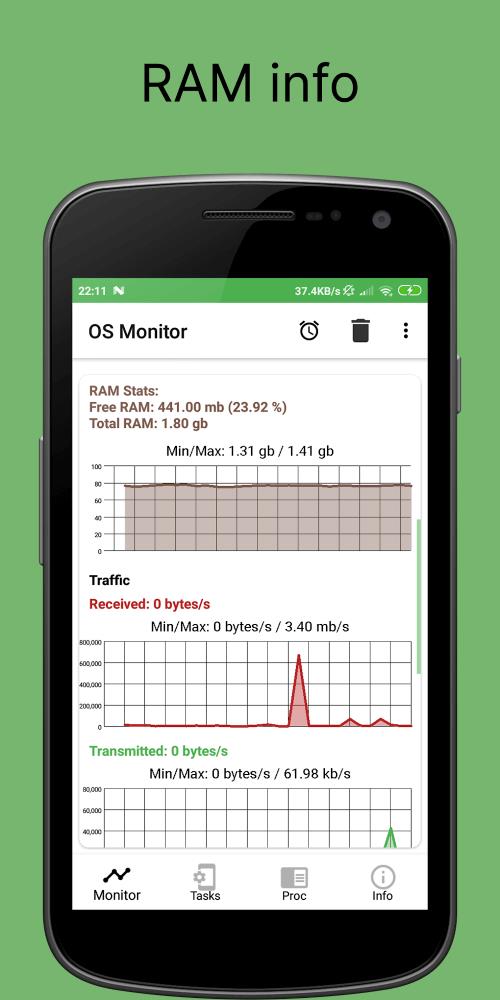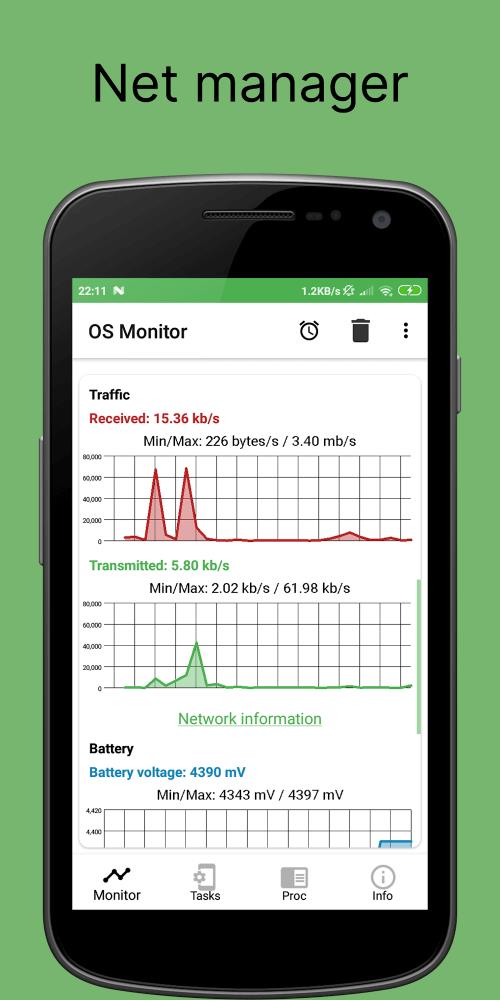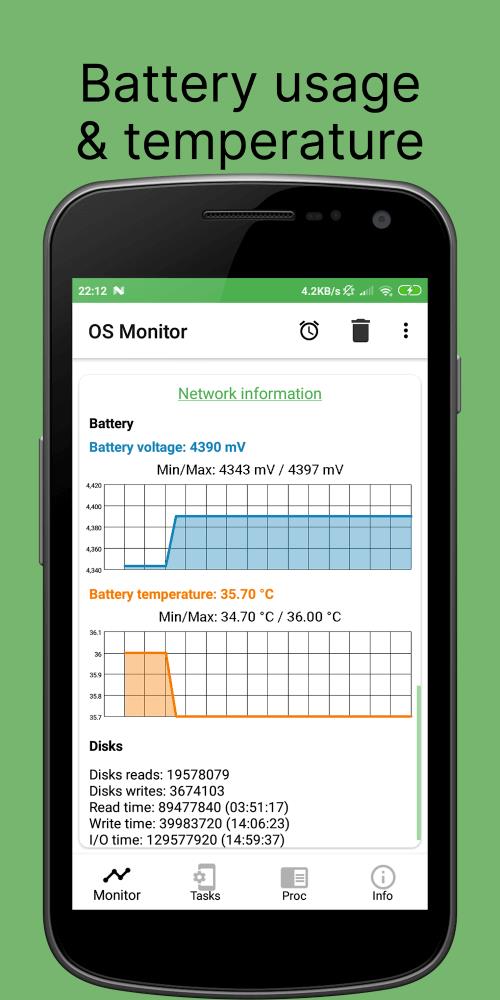
This Android application empowers users to comprehensively monitor key device aspects, including battery life, CPU activity, RAM usage, storage space, and network performance. Its robust task manager offers granular control over running processes, providing detailed insights into app traffic. Real-time memory and disk usage monitoring ensures optimal resource allocation. A built-in CPU detector helps assess processing power and identify performance bottlenecks. Furthermore, the app meticulously tracks mobile and Wi-Fi data consumption, preventing unexpected overage charges.
Key Advantages for Device Optimization:
-
Powerful Task Manager: Gain complete control over running processes, view detailed application traffic data (incoming and outgoing), and effectively manage resource-intensive apps for improved device performance.
-
Real-Time Memory Management: Monitor memory usage, terminate unnecessary apps, and utilize the integrated disk usage tool to manage storage effectively.
-
Comprehensive CPU Monitoring: Track CPU frequency, usage percentage, and temperature in real-time. Identify and eliminate resource-hogging apps to boost processing power.
-
Precise Data Usage Tracking: Monitor mobile and Wi-Fi data consumption per app and receive customizable alerts to avoid overage fees.
-
Personalized Monitoring Experience: Customize settings and alerts to suit your specific needs, receiving notifications for critical events like excessive CPU usage or low battery levels.
-
Intuitive User Interface: Navigate advanced monitoring features with ease, thanks to a user-friendly design accessible to both technical and novice users.
Continuous Development and Community Support:
The app benefits from ongoing development and support, ensuring compatibility with the latest Android updates and security patches. Active community feedback contributes directly to its evolution, ensuring reliability and responsiveness to user needs.