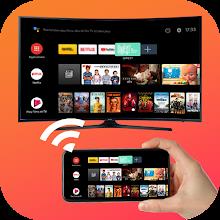
Enjoy Your Smartphone Content on the Big Screen with Screen Mirroring for All TV
Tired of straining your eyes on your tiny phone screen while watching movies or playing games? Screen Mirroring for All TV is the perfect solution for you! This app lets you effortlessly mirror your smartphone's screen onto your smart TV in high quality, transforming your viewing experience.
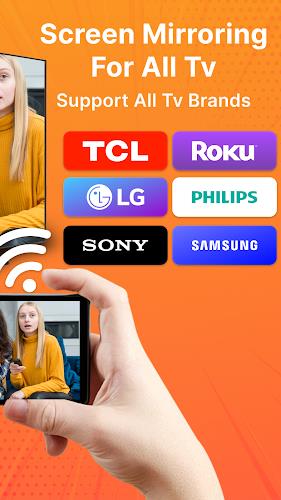
Screen Mirroring for All TV supports a wide range of smart TVs, including Samsung, Roku, Sony, LG, Philips, Sharp, and Hisense, ensuring compatibility with most popular brands.
Here's what you can expect from this app:
- High-quality screen mirroring: Enjoy your games, photos, videos, and other applications on your smart TV with crystal-clear quality.
- Support for various smart TVs: No matter what brand of smart TV you own, this app has you covered.
- Quick and easy to use: Connect your phone or tablet to your TV with just a click. The app provides a seamless and secure connection to protect your data and files.
- All media file support: Mirror not only videos but also photos, audio, PDFs, and more from your phone to your TV screen.
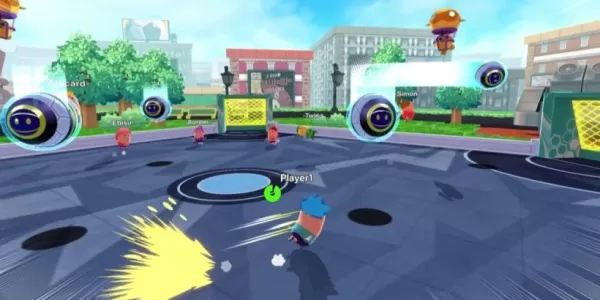
- Gaming on the big screen: Play popular mobile games like PUBG Mobile, Call of Duty: Mobile, Clash of Clans, and car racing games on your smart TV for a more immersive gaming experience.
- Simple setup process: The app provides step-by-step instructions on how to set up screen mirroring, making it easy for anyone to use.
In conclusion, Screen Mirroring for All TV offers high-quality mirroring on various smart TVs, with support for all media files and effortless connectivity. Whether you want to watch movies, play games, or share content with friends and family, this app is the perfect solution. Take your smartphone experience to the next level and download this app now!