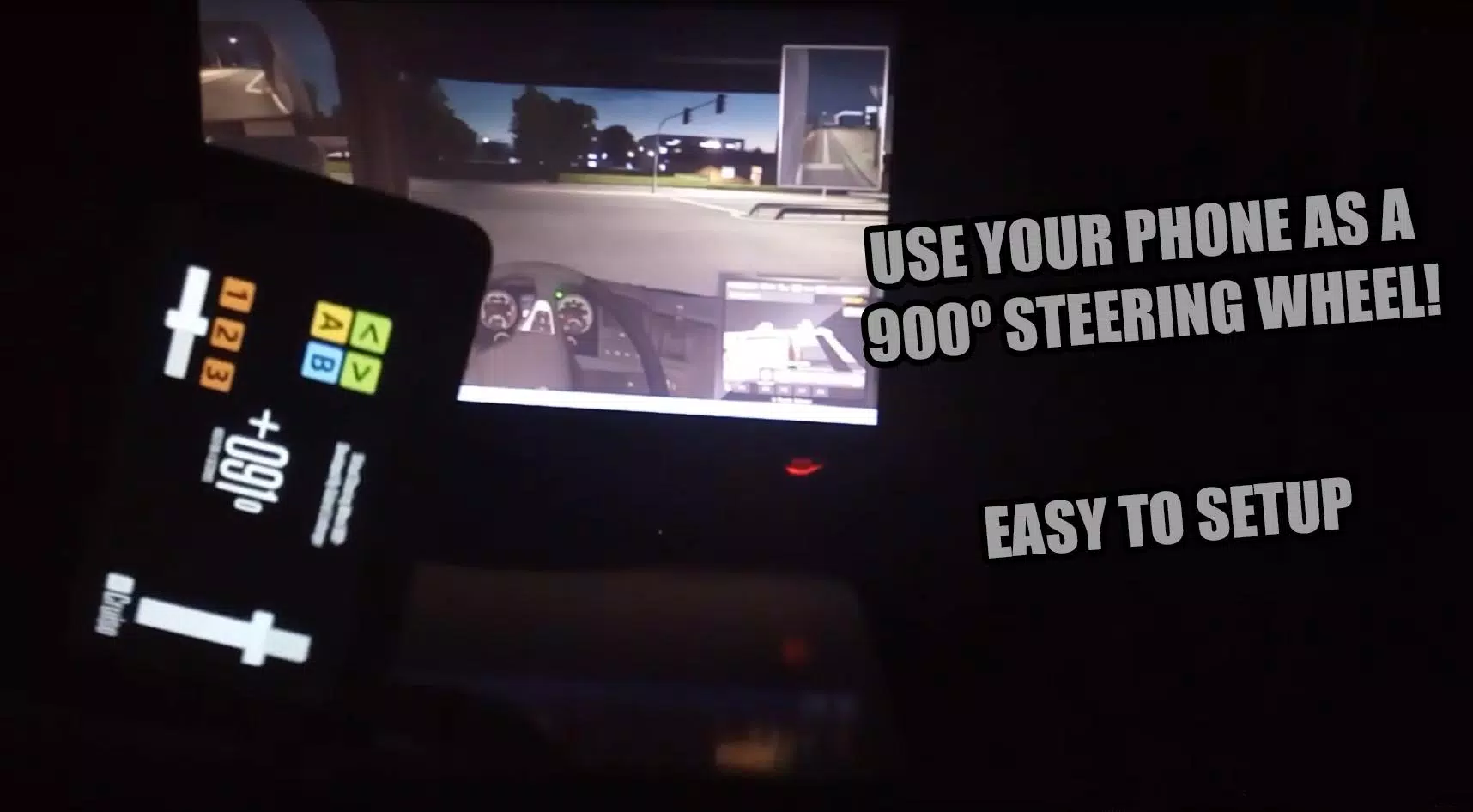
Transform your Android device into a 900-degree virtual steering wheel for PC gaming.
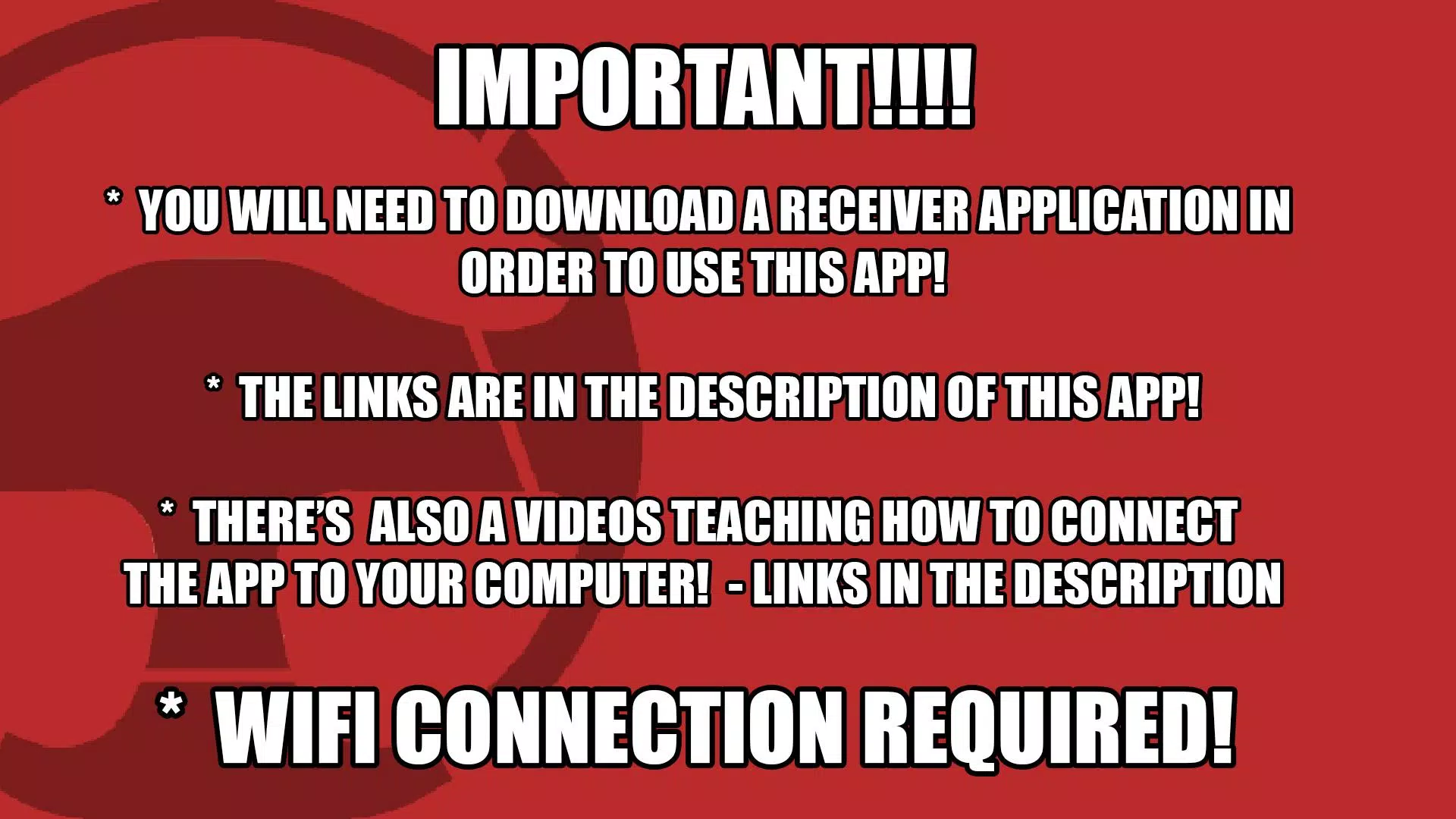
####### LINK TO THE RECEIVER #######
https://mega.nz/file/AqxjmIpa#ZYfWUtMC-91M1zXHdJDk6LKfxtd8P0iCadhSo7W5hhY
900SteeringWheel is an app designed to turn your mobile device into a virtual steering wheel.
Use your Android device to control games on your PC.
************* CONNECTION TUTORIAL!!!! *************
Updated Tutorial 2022:
https://youtu.be/9gnzWMF2o4U
Older Tutorials:
English:
https://www.youtube.com/watch?v=hMkvosQYG7I
Portuguese:
https://www.youtube.com/watch?v=LetQLdenCMs
***************************************************************
NEW UPDATE 12/07/2016
- H-Shifter Added!!!
- Changed z-axis orientation.
H-Shifter tutorial: [deprecated] https://900steeringwheel.wordpress.com/2016/07/13/how-to-configure-vjoy-to-use-900steeringwheel-hshifter
NEW UPDATE 29/05/2016
- Advertising removed!!!
- Performance improvements.
HOW TO USE 900SteeringWheel:
[deprecated] https://900steeringwheel.wordpress.com/2016/05/23/how-to-get-900steeringwheel-ready-to-use/
Example for configuring 900SteeringWheel with Euro Truck Simulator 2: https://900steeringwheel.wordpress.com/2016/05/26/how-to-configure-900steeringwheel-to-eurotruck-simulator-2/
Official blog/website: https://900steeringwheel.wordpress.com/
Features:
- Adjustable 900° steering wheel. Play games from Euro Truck Simulator to Project CARS with the same app.
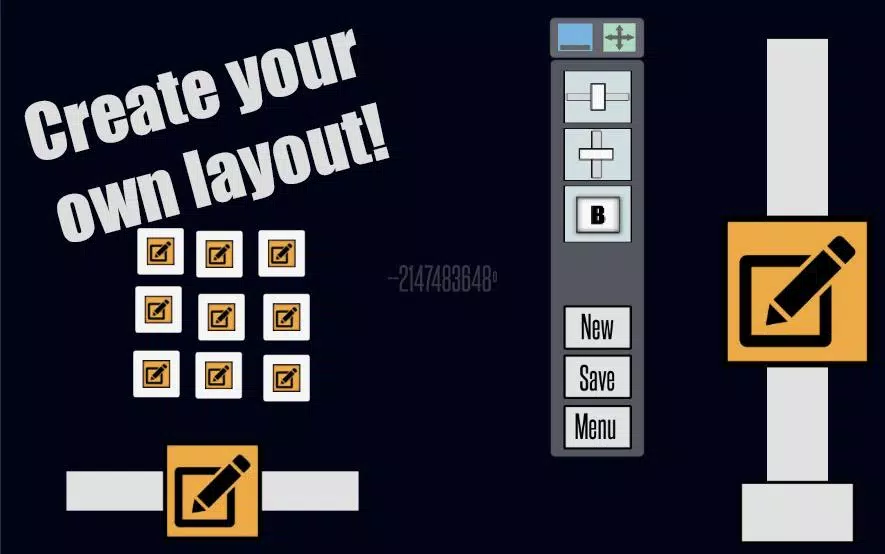
- 3 axes and 7 buttons, all customizable.
- Cruise control.
- H-Shifter.
Roadmap:
- Improve connection stability.
- Resolve input trembling issues.
IMPORTANT NOTES:
- Available for Windows only.
- 900SteeringWheel uses your wireless network. Both your mobile device and PC must be on the same Wi-Fi.
- This app demands high performance from your mobile device and a stable Wi-Fi connection (internet is not required).
Tested Devices:
Galaxy Y - https://youtu.be/y8LLRVV5Yt0
Galaxy Tab 2 7" - https://www.youtube.com/watch?v=-Cy75fAkK4s
LG K10
Xperia L