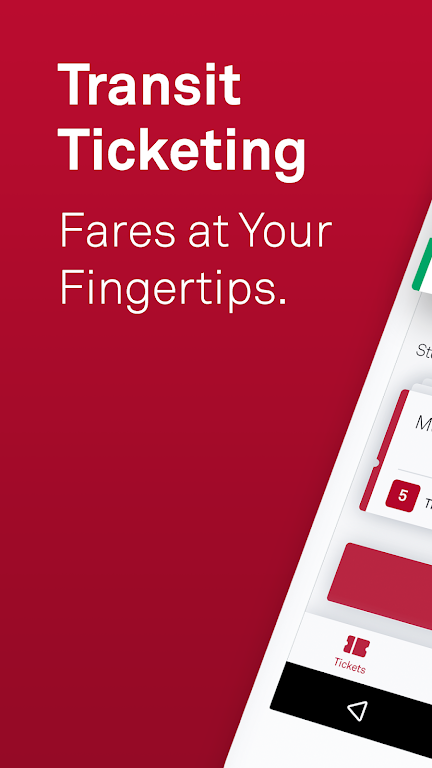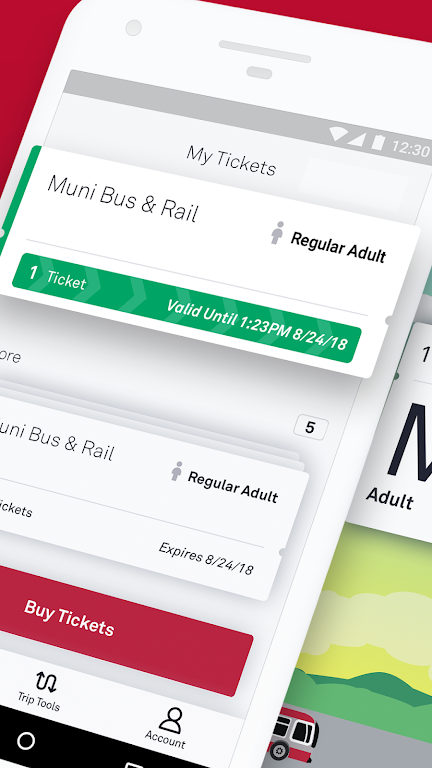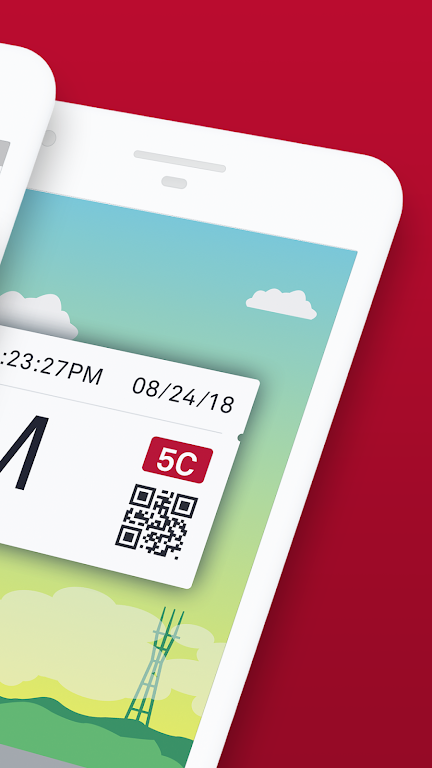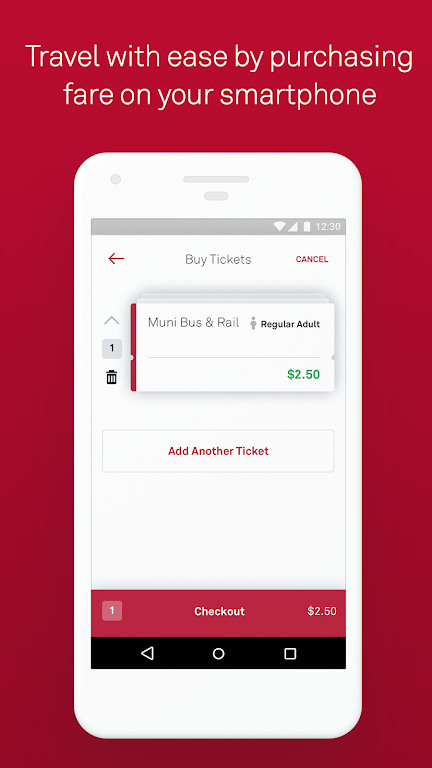

MuniMobile serves as the official application for the San Francisco Municipal Transportation Agency (SFMTA), crafted to simplify your journey throughout the city. This platform provides a comprehensive set of tools, such as mobile fare payment, live transit updates, and advanced trip planning capabilities. Through MuniMobile, users can buy tickets via debit or credit cards, PayPal, or Apple Pay, activating them effortlessly prior to boarding. It acts as a complete solution that eliminates the need for cash or paper passes, ensuring seamless travel.
Key Features of MuniMobile:
> Convenience: Eliminate the need for paper fares or loose change by purchasing and using tickets instantly on your device.
> Flexible Payments: Pay for fares using debit/credit cards, PayPal, or Google Pay.
> Multi-Ticket Support: Save multiple tickets on your phone for convenient future use.
> Group Purchases: Quickly buy several fares at once for a group of travelers.
> Secure Platform: Safely register payment methods within our secure system for added confidence.
Frequently Asked Questions:
> Is an Internet connection necessary to buy tickets?
- Yes, you need internet access to complete purchases, but tickets can be activated and used offline.
> What happens if my phone runs out of battery?
- Plan ahead by keeping your device charged so you always have a valid fare ready.
> Can I move my tickets to a new smartphone?
- Yes, simply create an account before buying tickets to transfer any unused ones to your new device. Only unactivated tickets are eligible for transfer.
How to Use the App:
Download MuniMobile: Install the app from the Apple App Store or Google Play Store.
Register an Account: Sign up using your email address or mobile phone number.
Select Rider Category: Choose between Adult, Senior/Disabled/Medicare, Youth, or SF Access fares.
Pick Your Fare: Opt for Single Trip Fares (Muni Bus & Rail), Cable Car tickets, or Passports.
Buy Tickets: Select the quantity you need and complete checkout with your preferred payment method.
Activate Before Riding: Remember to activate your ticket before boarding a vehicle or passing through fare gates.
Offline Usage: You have the option to activate and use tickets even without an internet connection.
Organize Your Fares: Keep multiple tickets stored on your phone for easy access later.
Enable Auto-Refresh: Configure the app to refresh automatically for real-time transit information.
Find Support: Visit the MuniMobile FAQ section or check the in-app help center for assistance